iMars grid-tied solar inverters Display panel
46
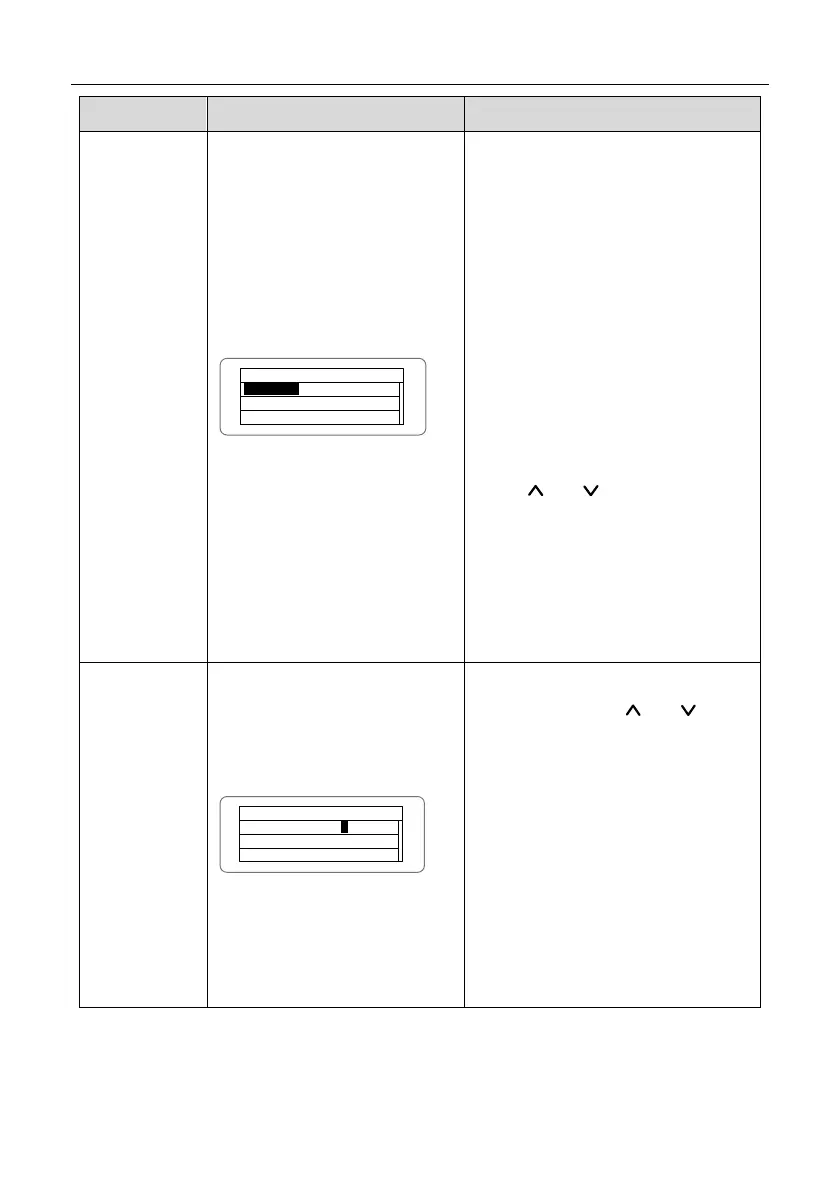
Se tu p Mo de l: I nd ep en d
In de pe nd
Pa ra ll el
The DC input mode includes
“independent” and “parallel”:
“independent mode” is the
independent MPPT of Track A and
Track B; “parallel mode” is the parallel
MPPT of Track A and Track B.
The default mode is “independent”.
The input mode setting is invisible if
the inverter is in power generation. It is
only available during DC power on and
AC power off.
Press “ ” or “ ” to select the setting
mode and press “ENT” to save the
setting or “ESC” to return.
If the situation of section 6.4.8 occurs,
it is necessary to switch the DC input
to “parallel” mode.
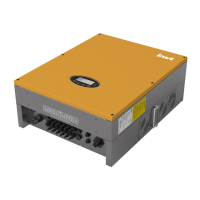
Us er P e r i o d
St ar t : 2 0 1 2 - 0 1- 01
En d : 2 01 2- 0 2 - 0 1
1
Enter into the interface and edit the
user period through “ ” or “ ”. And
then press “ENT” again to the next bit.
After editing, press “ENT” to save the
edition and press “ESC” to exit.
Of which, the setting time and date
needs to be later than the system
setting, and the start time needs to be
earlier than the end time.
The setting date and time is used for
the statistical information.



 To Next Page