Universal
Lock (PL106)
Review entire instruction guide before starting installation.
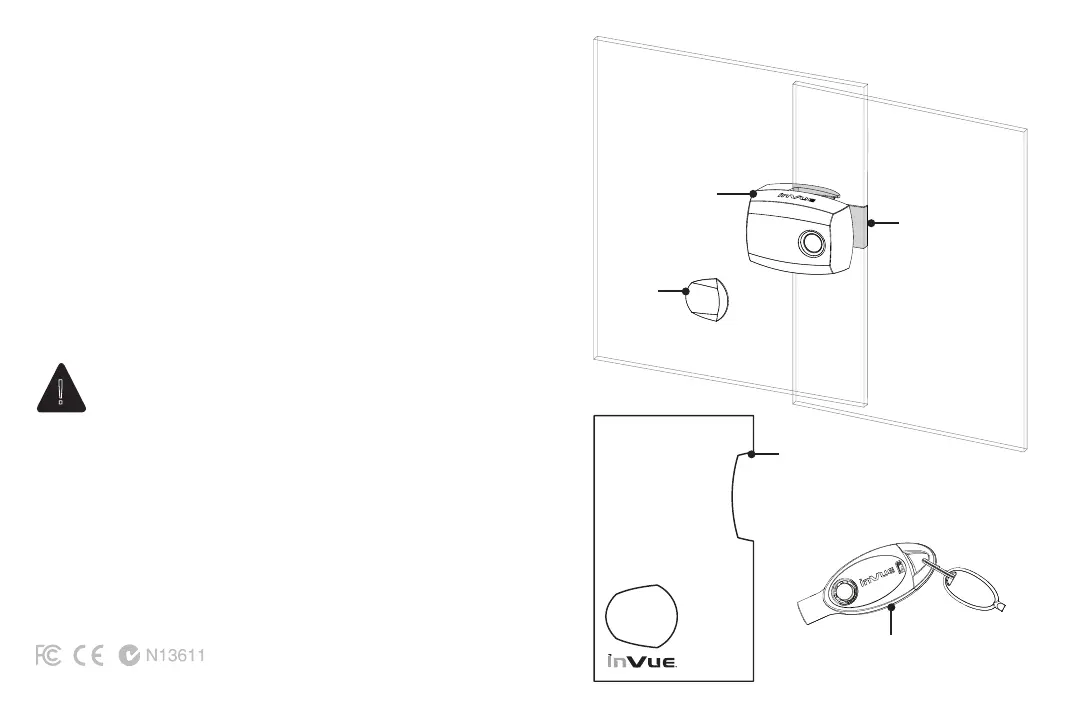
System Components
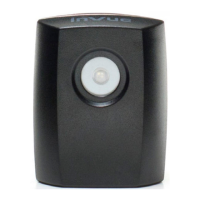
1. Universal Lock & Panel Handle (PL106)
2. Strike Plate (PL120)*
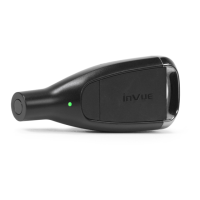
3. IR2 Key (PK4400)
Setup in 4 easy steps:
1. Mount strike place onto back panel
2. Mount lock onto front panel
3. Use template to position panel handle
4. Use IR2 Key to operate lock
Caution:
Wear appropriate safety gear (gloves and eye protection)
when working with and around glass panels.
*Multiple lengths available.
Note: Adhesive is single use. If damaged during installation or use
replace with new adhesive.
OVERVIEW
Panel
Handle
(included)
IR2 Key (PK4400)
Strike Plate
(PL120)
Panel Handle
Template (included)
2 3
!


 To Next Page