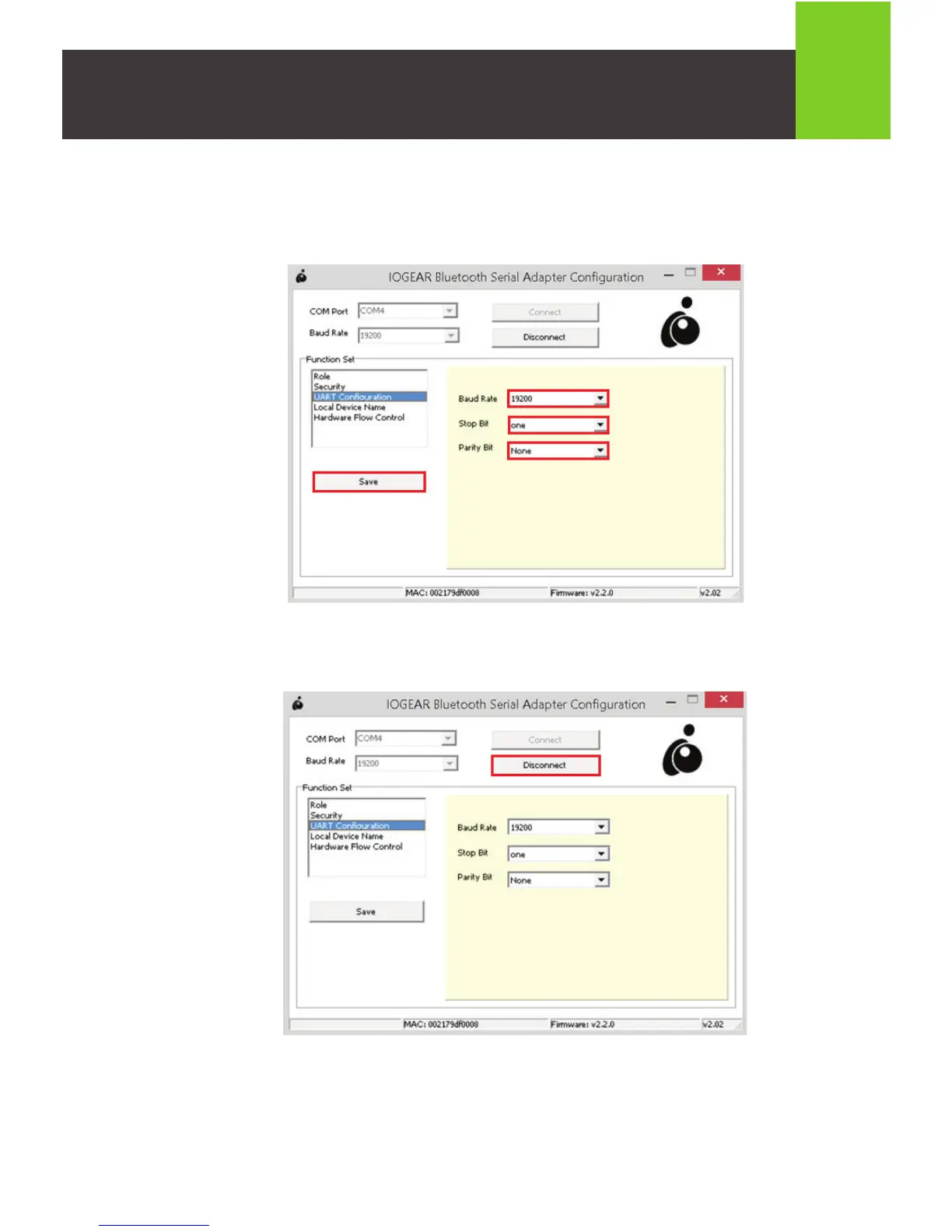
16. Select “UART Configuration” and confirm that Baud Rate is set to 19200, Stop
Bit is set to one, and Parity Bit is set to None. Click the Save button to save
your settings.
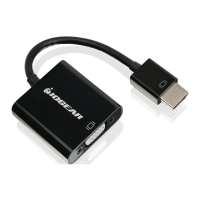
17. Click on the Disconnect button and close the IOGEAR Bluetooth Serial
Adapter Configuration tool.
18. Push the CFG / RST button for one second and release. The orange Mode LED
light will turn off. You have successfully completed configuration of the Bluetooth
Serial Adapter.
19. Open your preferred terminal program and configure the settings to match your
serial device.
12



 To Next Page