Click the [Next] button to accept the default
destination installation folder or click the [Change]
to choose the different installation folder.
Installation
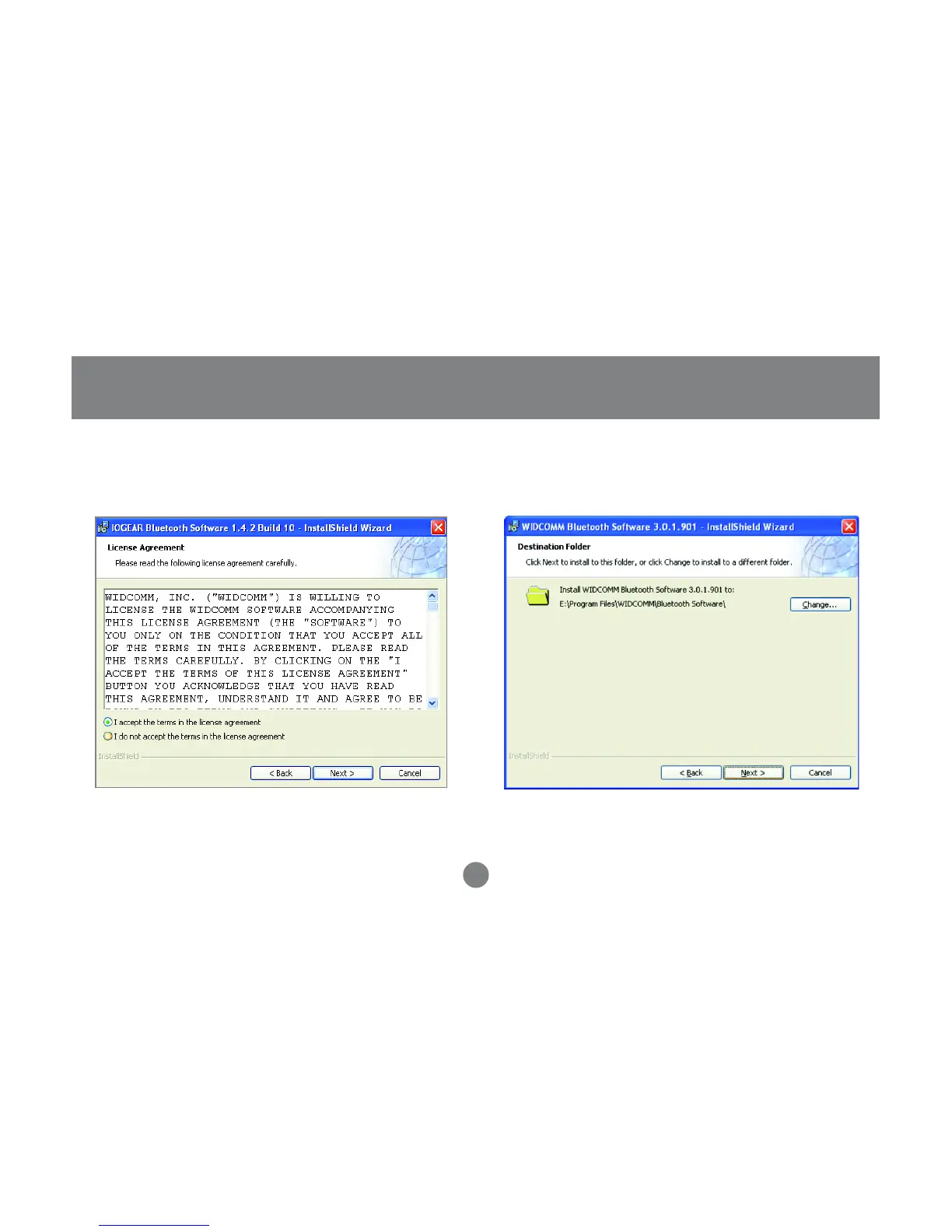
Next the License Agreement screen will
appear. Click the “I accept the terms in the
license agreement” and click [Next].
9
2. 3.



 To Next Page