How to add Bluetooth™ to your MAC OS X system (requires OS 10.2.x or later)
1. 2.
Operation
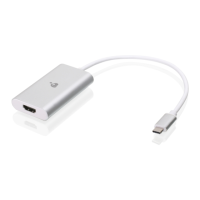
Plug in the Bluetooth™ USB Adapter to any
available USB port on your PowerBook G4,
iBook, PowerMac G4 or iMac (in the case of the
PowerMac G4 and iMac, you can attach the
Bluetooth™ USB Adapter to the free USB port on
your keyboard).
40
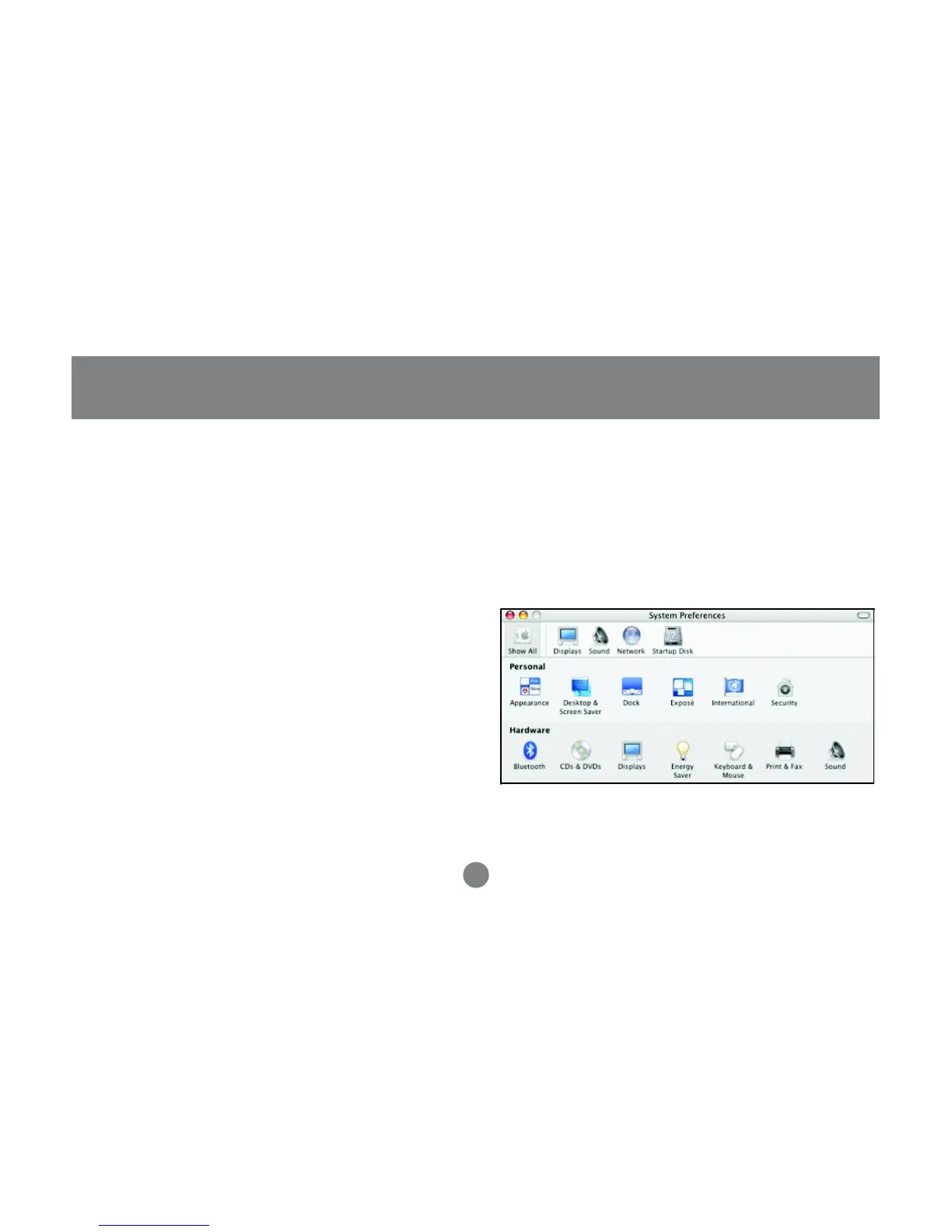
Open System Preferences and locate the Bluetooth
icon under Hardware. Double-click on the
Bluetooth icon to bring up the Bluetooth window.



 To Next Page