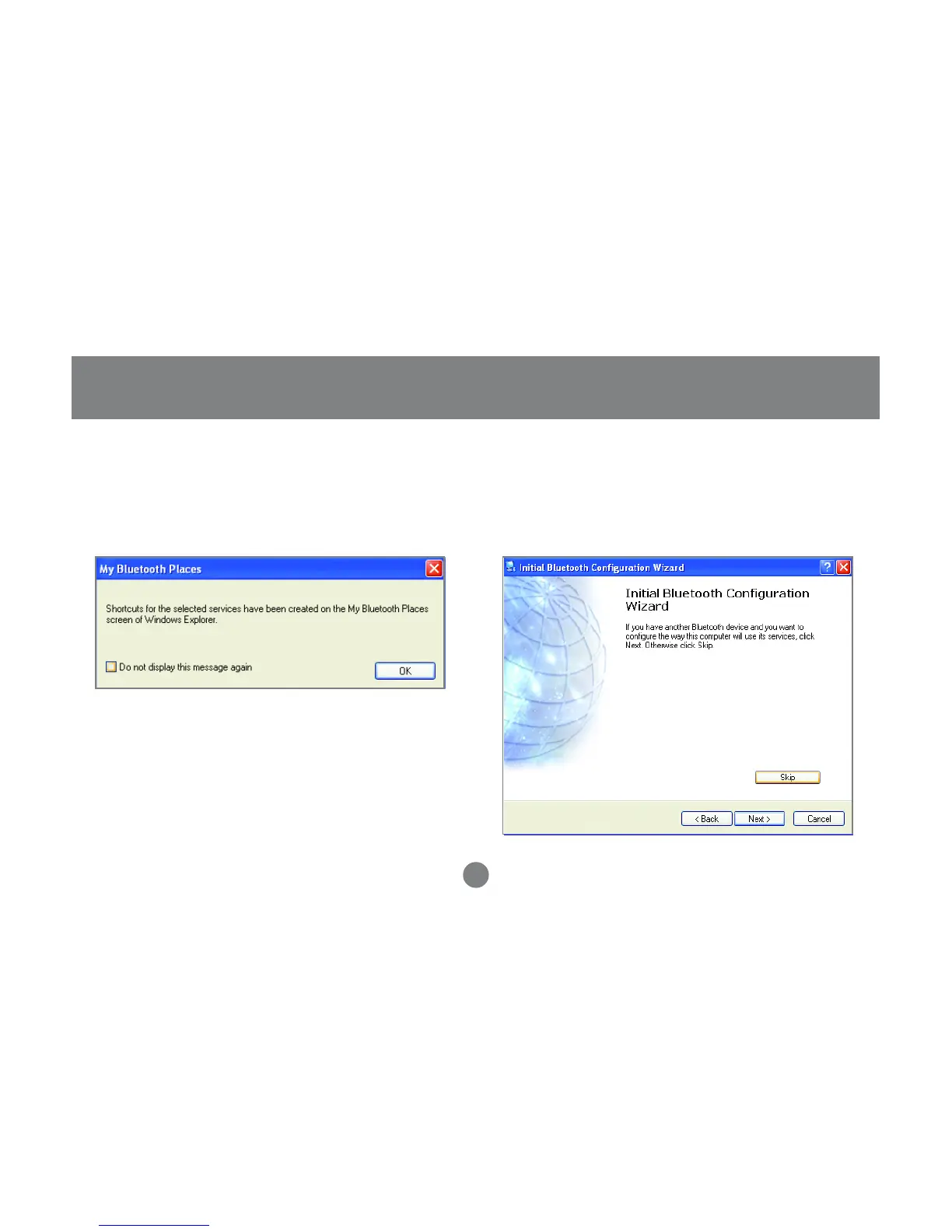
A window will appear advising you that a
shortcut has been placed on the My
Bluetooth™ Places screen. Click [OK] to
close the window.
19
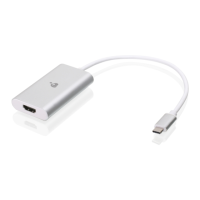
13. If you have another Bluetooth™ device and
you want to configure to allow this computer
to use its services, click [Next]. Otherwise
click [Skip].
14.
Initial Bluetooth™ Configuration Wizard



 To Next Page