33
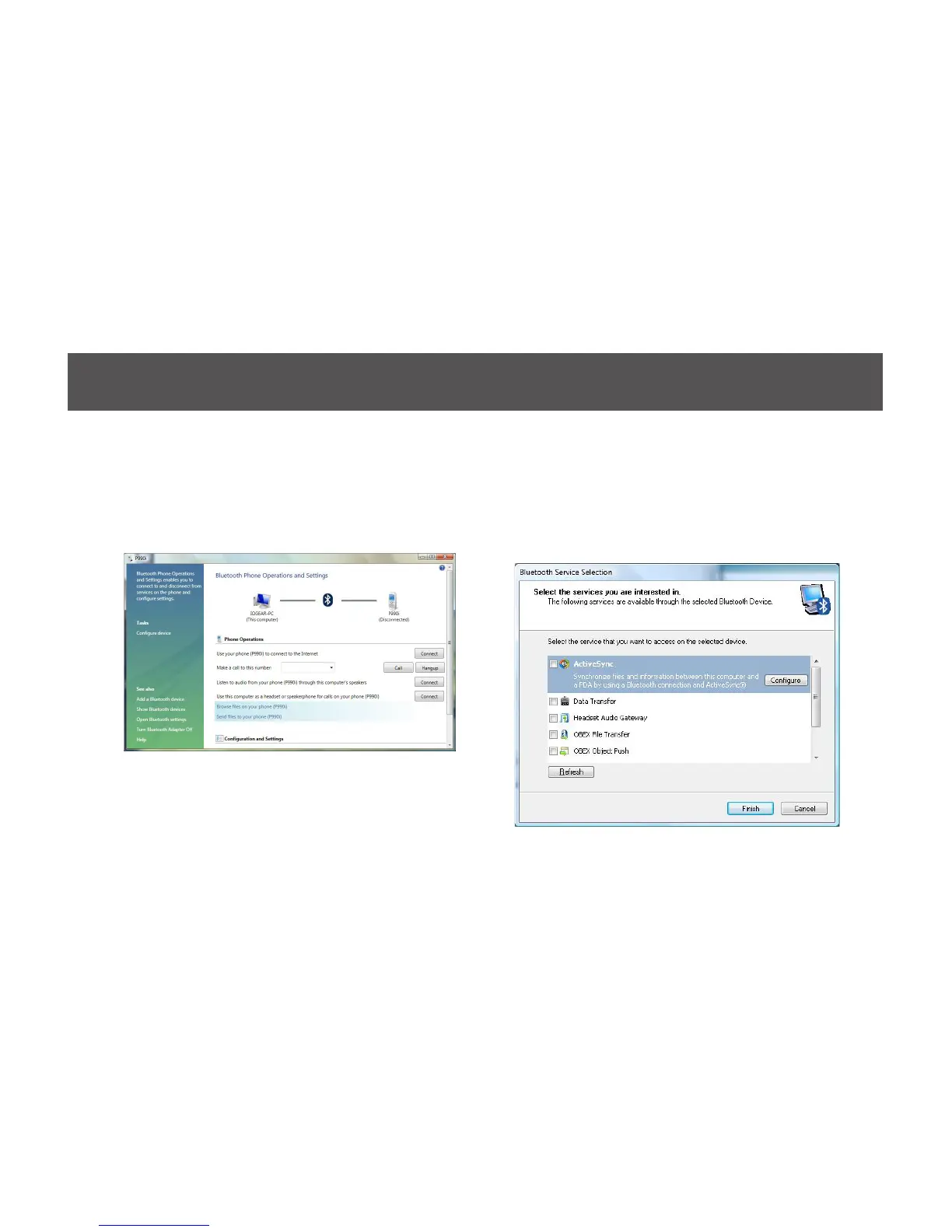
5. Once the pairing process is completed, you
can interact with your Bluetooth enabled phone
in different ways according to the available
choices appearing in the control window.
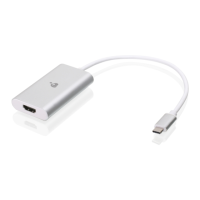
6. You will be asked to select the services that
are available provided on your phone. It is
recommended to leave all services checked.
Click Finish to continue.



 To Next Page