43
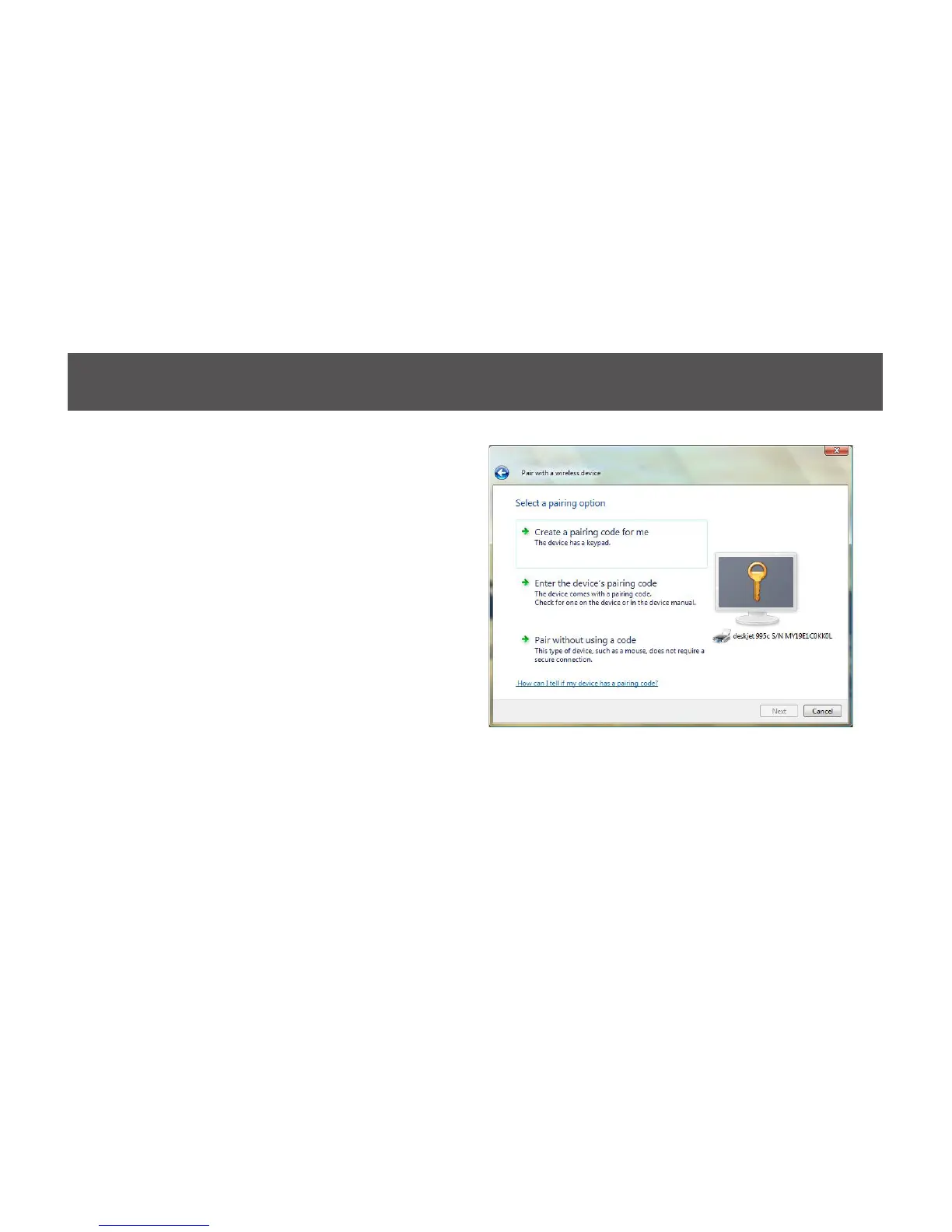
3. Depending on the Bluetooth conguration of
your Bluetooth enabled printer, there are three
pairing options to choose from. For detail
pairing instructions, please consult the original
user manual of your Bluetooth enabled printer.
In this user manual, we will select Enter the
device’s pairing code and click on Next to
continue.


 To Next Page