

 To Next Page
R
Rebecca HicksAug 11, 2025
What to do if USB devices are not responding on IOGear Switch?
- BbrianharrisAug 11, 2025
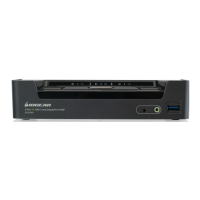
If your USB devices aren't responding when connected to the IOGear Switch, first try unplugging the USB cable from the port on the GCS1953's rear panel and then plugging it back in to reset the connection. Also, the GCS1953 has a built-in USB 3.0 hub and won't support PCs or OS that don't support USB 2.0/3.0. For an OS that does not support USB 2.0, keyboard and mouse functions can be reset using the [F1] Hotkey function.
 General










