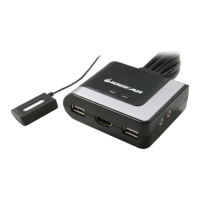
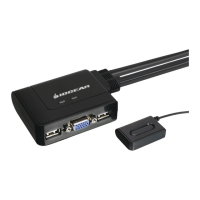
10 11
Step. 2
1. Plug the USB, video, and speaker
connectors of the attached KVM cables into
their respective ports on the computers you
are installing.
NOTE: The computer attached to the cable
with one dot at its base is the Por t 1
computer; the computer attached to the
cable with two dots at its base is the Port 2
computer (see hotkey port selection).
2. Repeat the above step for your second
computer.
3. Turn on the power to the computers and
refer to Operations Instructions.
NOTE: The GCS632U’s Power On default is
to link to the rst computer you turn on.



 To Next Page
 Loading...