16
Powering Off and Restarting
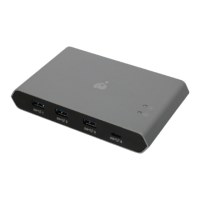
If you power off the 4Kx2K 4-Port HD Switch, follow these steps before
powering it on again:
1. Power off the attached devices.
2. Unplug the power adapter cable from the 4Kx2K 4-Port HD Switch.
3. Wait 10 seconds, and then plug the power adapter cable back in.
4. After the 4Kx2K 4-Port HD Switch is powered on, power on the attached
devices.
Note: Whenever the 4Kx2K 4-Port HD Switch is powered on, it will
automatically select the A/V source device attached to Port 1.


 To Next Page
 Loading...