7
Hardware Installation
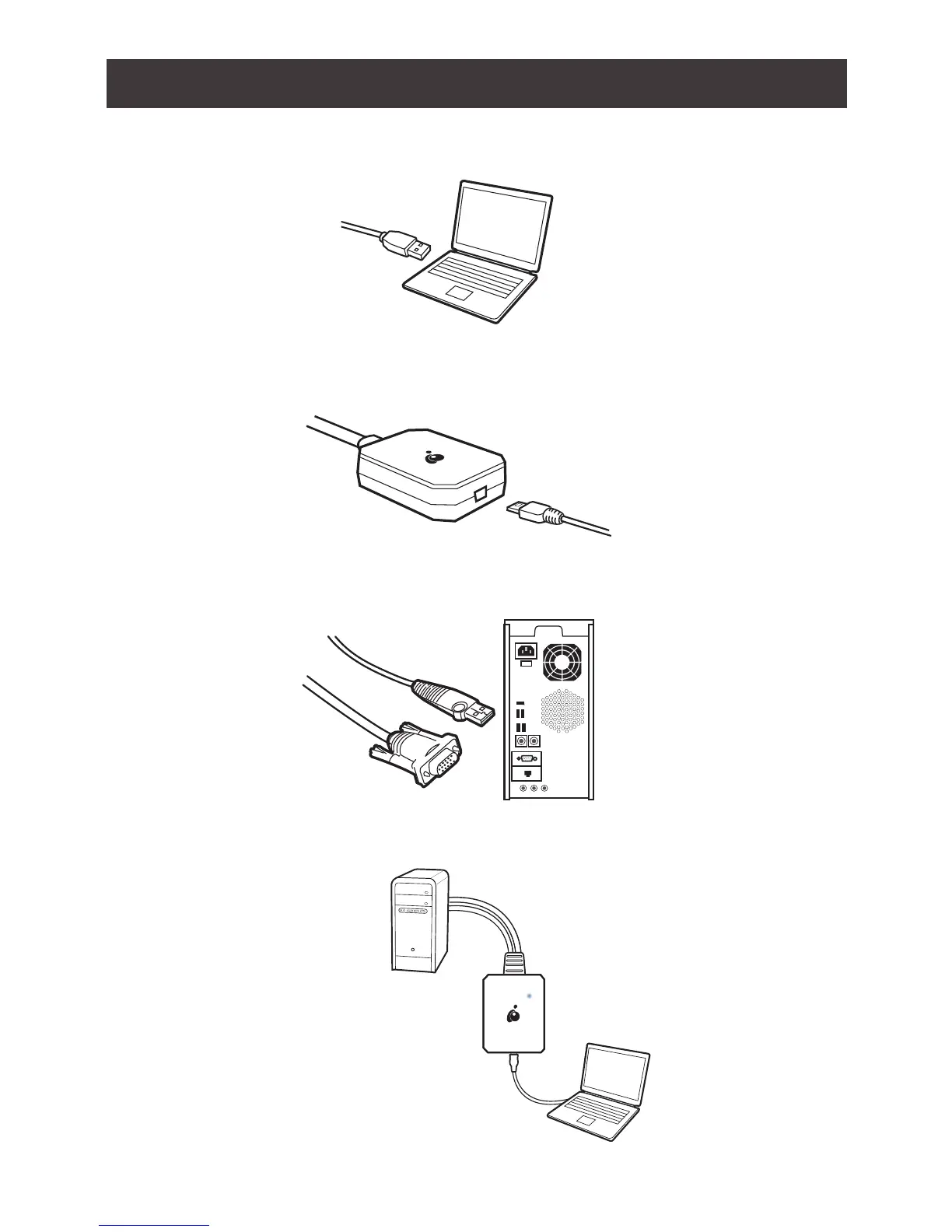
1. Connect the USB Type-A end of the USB Type-A to USB Mini-B Cable (included in this
package) to the USB 2.0 port on the laptop.
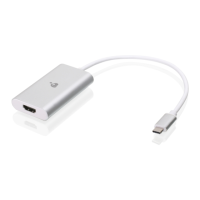
2. Connect the USB Mini-B end of the USB Type-A to USB Mini-B Cable (included in this
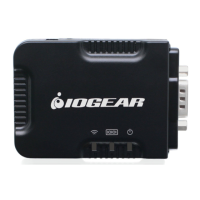
package) to the Mini USB port on the GUC211V
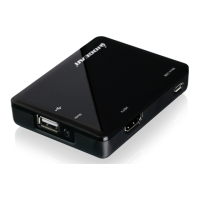
3. Connect the built-in VGA and USB Type-A connector from the GUC211V to a USB 2.0 port on
the target computer or kiosk or server.
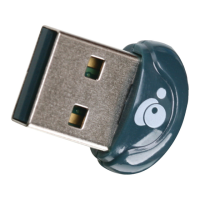
4. When the connection between the target computer and the laptop is established, the LED on
the GUC211V will light blue.


 To Next Page