18
Driver Installation
Verify that WiCenter is running by double-clicking
on the WiCenter icon created on the desktop
during the installation process.
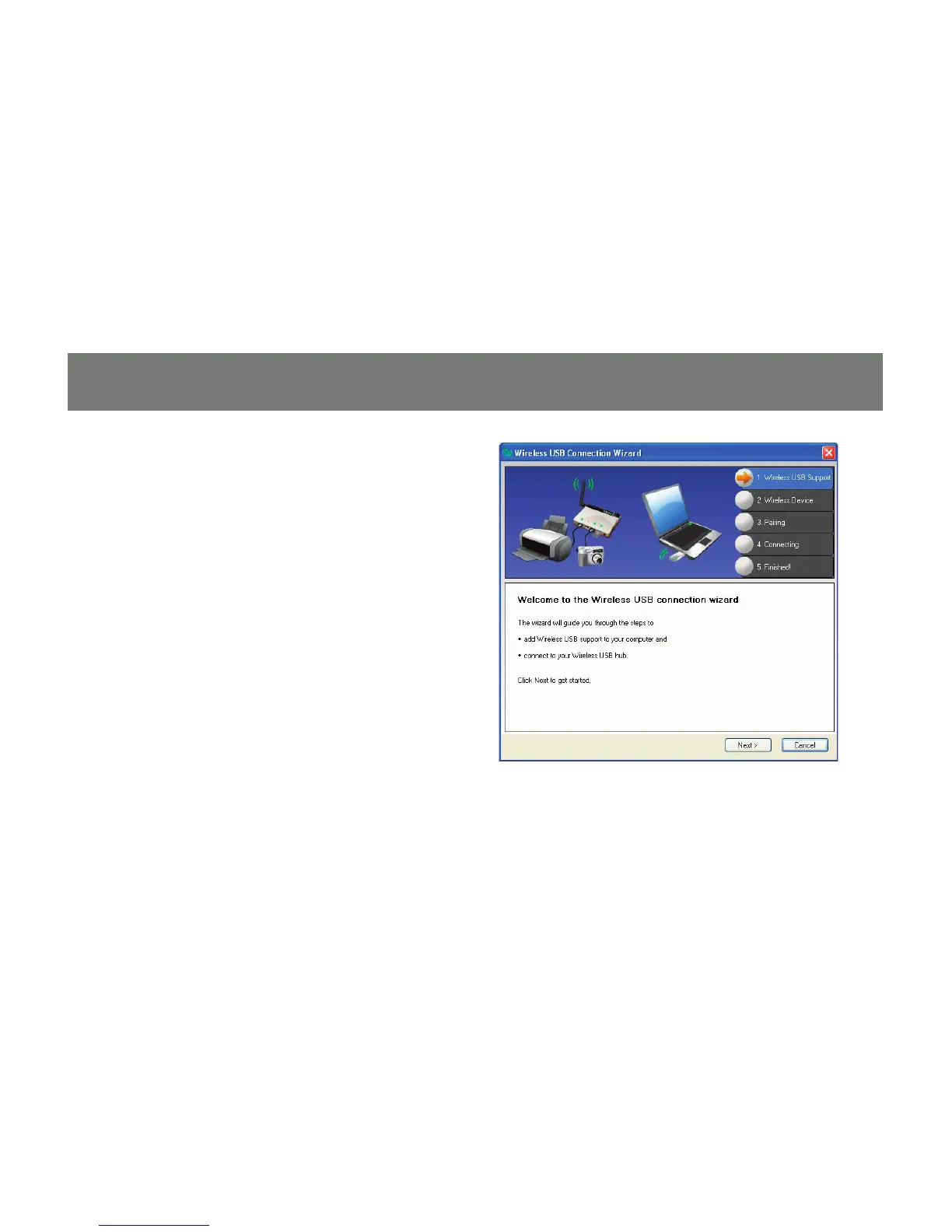
The fi rst time that WiCenter is launched, the
Wireless USB Connection Wizard will appear
and will guide you through the Wireless USB
connection process. Click Next to begin the
process.



 To Next Page