WPS
Reset PWR51 2 3 4
6
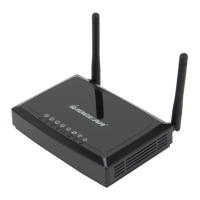
Product Overview
2 31
4
1. WPS Button
Push and hold the WPS button for
5~10 seconds to enable the WPS
feature.
2. Ethernet Port
The Ethernet port allows a LAN
connection through Cat 5 cables.
Supports auto-sensing at 10/100M
speed, half/ full duplex.
3. AC Power
AC Power Adapter
4. Reset Button
Push and hold the reset button for
5~10 seconds to reset the Wi-Fi
Hub to factory default setting


 To Next Page
 Loading...