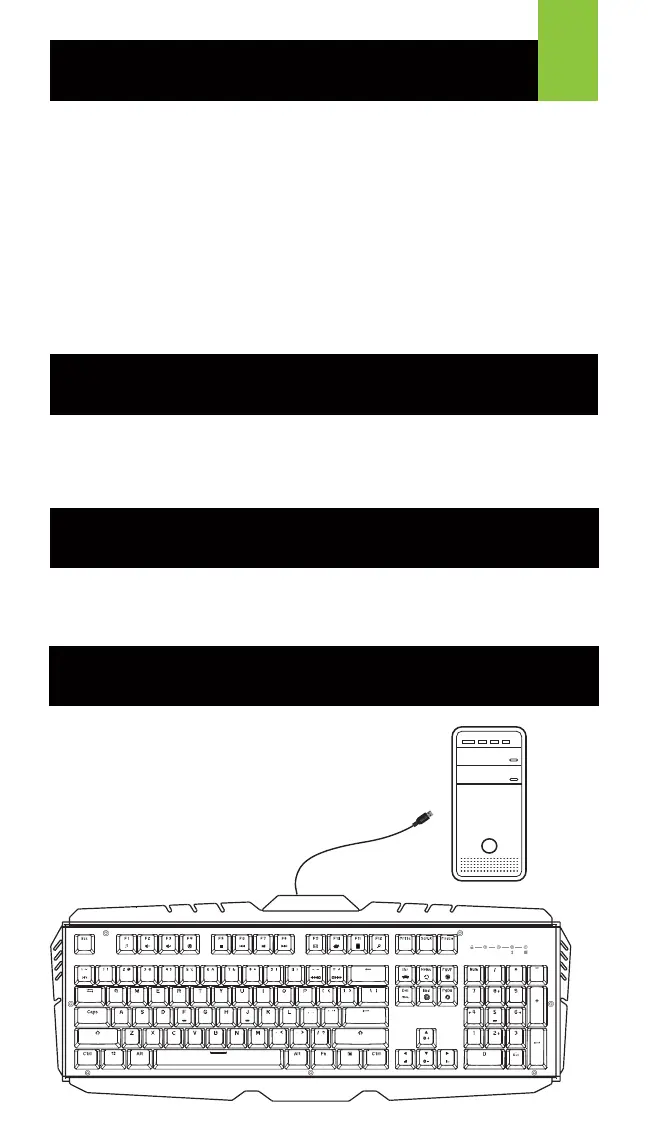
Simply connect the USB plug of HVER PRO to an
available USB port on your computer. Your operating
system will automatically install the device.
Welcome to Kaliber Gaming
Congratulations! You are now officially a new owner of Kaliber Gaming’s
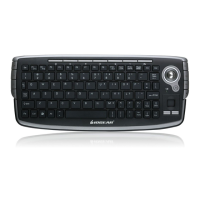
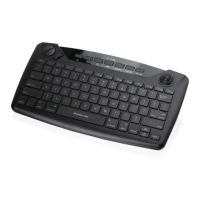
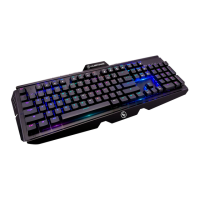
HVER™ PRO RGB Mechanical Gaming Keyboard. Designed for gamers,
HVER PRO offers an array of functions that will increase your gaming skills.
You can customize your HVER PRO by choosing from the an assortment of
pre-programmed color patterns, or download the HVER PRO user interface
software and fine-tune the multi-zone RGB backlighting to match your PC,
mouse and other devices. The HVER PRO software also allows you to create
custom macros and change the bindings of the keys, then store them along
with your favorite RGB backlight setting to one of three programmable user
profile slots. Make sure to read through the full list of features, and take your
time following through the operational guidelines in order to get the maximum
enjoyment out of your new HVER PRO!
• Windows Vista
®
, Windows
®
7, Windows
®
8, Windows
®
8.1, Windows
®
10
• USB 2.0 port
Requirements
Package Contents
1 x HVER™ PRO RGB Mechanical Gaming Keyboard
1 x Quick Start Guide
1 x Warranty Card
1
Hardware Installation
A
1


 To Next Page