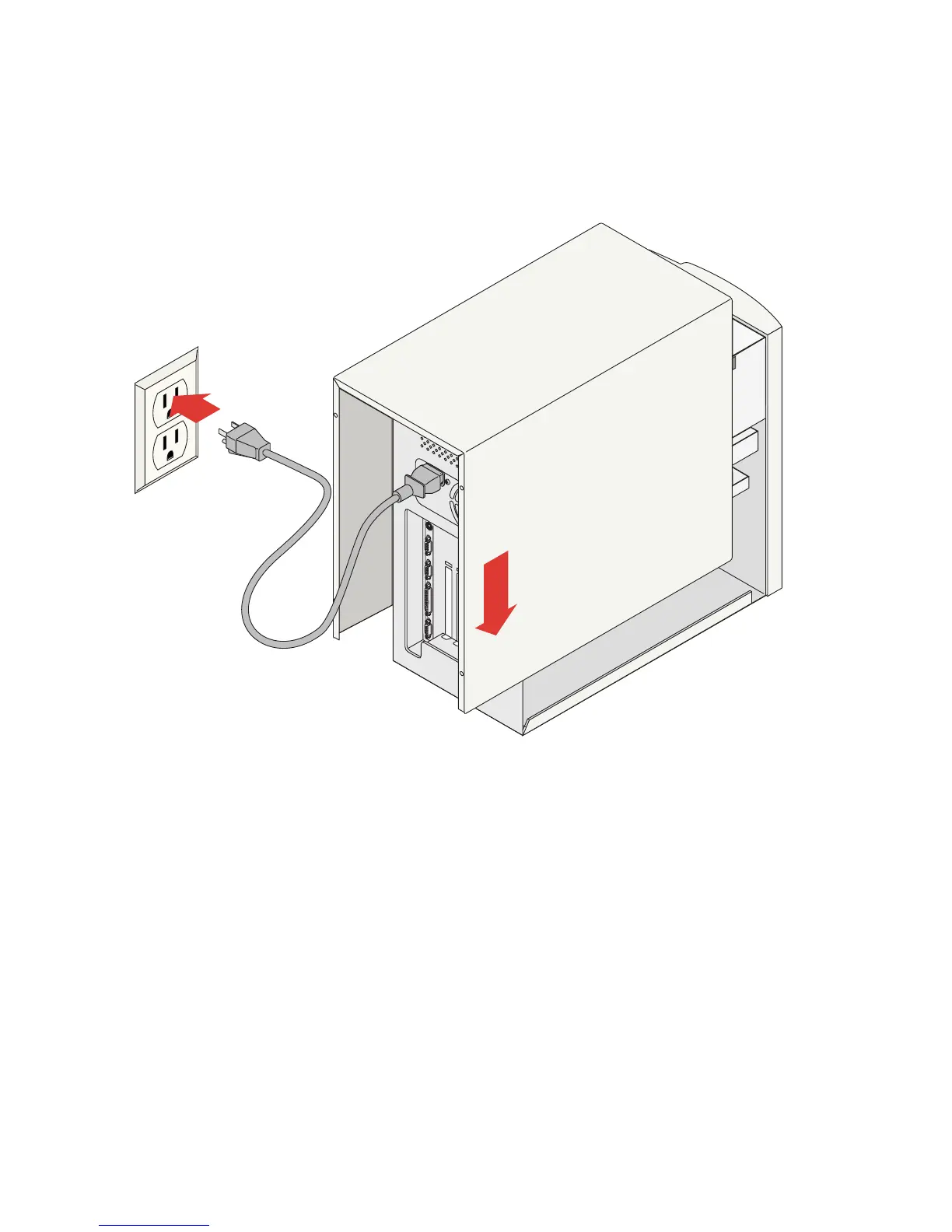
Check all connections, arrange the cables to fit under the
cover, and replace the computer cover.
Reconnect the power cord, turn on the power switch, and wait for the
operating system to load. Because the ZipCD
™
drive is plug-and-play, you
will not see “New Hardware Detected” in Windows.
10










 To Next Page