EasyManua.ls Logo

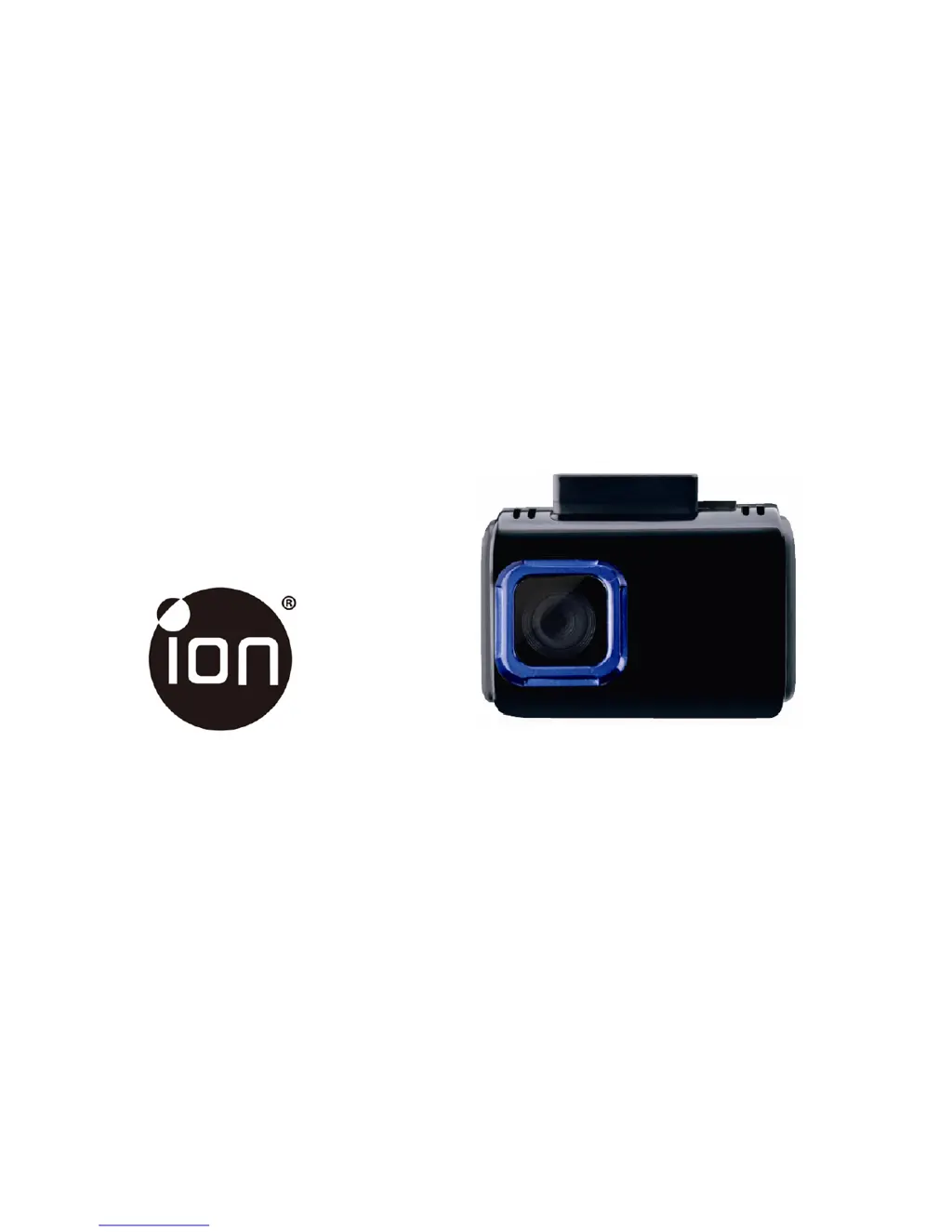
ION DashCam Wi-Fi - User Manual

ION DashCam Wi-Fi
134 pages
Print Icon
To Next Page IconTo Next Page
Loading...
Quick Start Guide
DashCam
Wi-Fi
IN-CAR CAMERA

Questions and Answers

Summary

Product Key Features

Package Contents List

Device Functional Parts

Vehicle Installation Steps

Understanding LED Indicators

Using Your DashCam Wi-Fi

6.1. MicroSD Card Installation

Insert a MicroSD card before use. Ensure the device power is off.

6.2. Powering On and Off

Instructions for turning the DashCam Wi-Fi on and off, which detects car ignition vibration.

6.3. Video Recording and Photo Capture

Details on Normal Looping Recording and Event Protection Recording modes for capturing footage.

Connecting via Wi-Fi

7.1. Enabling Wi-Fi Function

Connect the device to power to enable Wi-Fi mode and follow initialization steps.

7.2. Connecting to Devices via Wi-Fi

Steps to connect the DashCam Wi-Fi to your computer or smart device using the Wi-Fi network.

7.3. Using the Free App

Guide to download, install, and operate the iON DashCam mobile application.

Connecting to Computer via USB

Device Specifications

Software System Requirements

Troubleshooting Common Issues

Summary

Product Key Features

Package Contents List

Device Functional Parts

Vehicle Installation Steps

Understanding LED Indicators

Using Your DashCam Wi-Fi

6.1. MicroSD Card Installation

Insert a MicroSD card before use. Ensure the device power is off.

6.2. Powering On and Off

Instructions for turning the DashCam Wi-Fi on and off, which detects car ignition vibration.

6.3. Video Recording and Photo Capture

Details on Normal Looping Recording and Event Protection Recording modes for capturing footage.

Connecting via Wi-Fi

7.1. Enabling Wi-Fi Function

Connect the device to power to enable Wi-Fi mode and follow initialization steps.

7.2. Connecting to Devices via Wi-Fi

Steps to connect the DashCam Wi-Fi to your computer or smart device using the Wi-Fi network.

7.3. Using the Free App

Guide to download, install, and operate the iON DashCam mobile application.

Connecting to Computer via USB

Device Specifications

Software System Requirements

Troubleshooting Common Issues

ION DashCam Wi-Fi Specifications

General IconGeneral
Wi-Fi ConnectivityYes
Loop RecordingYes
G-SensorYes
GPSNo
Night VisionYes
Video Resolution1080p
StoragemicroSD card, up to 128GB
BatteryRechargeable Lithium-Ion

Related product manuals