7
Rear Panel
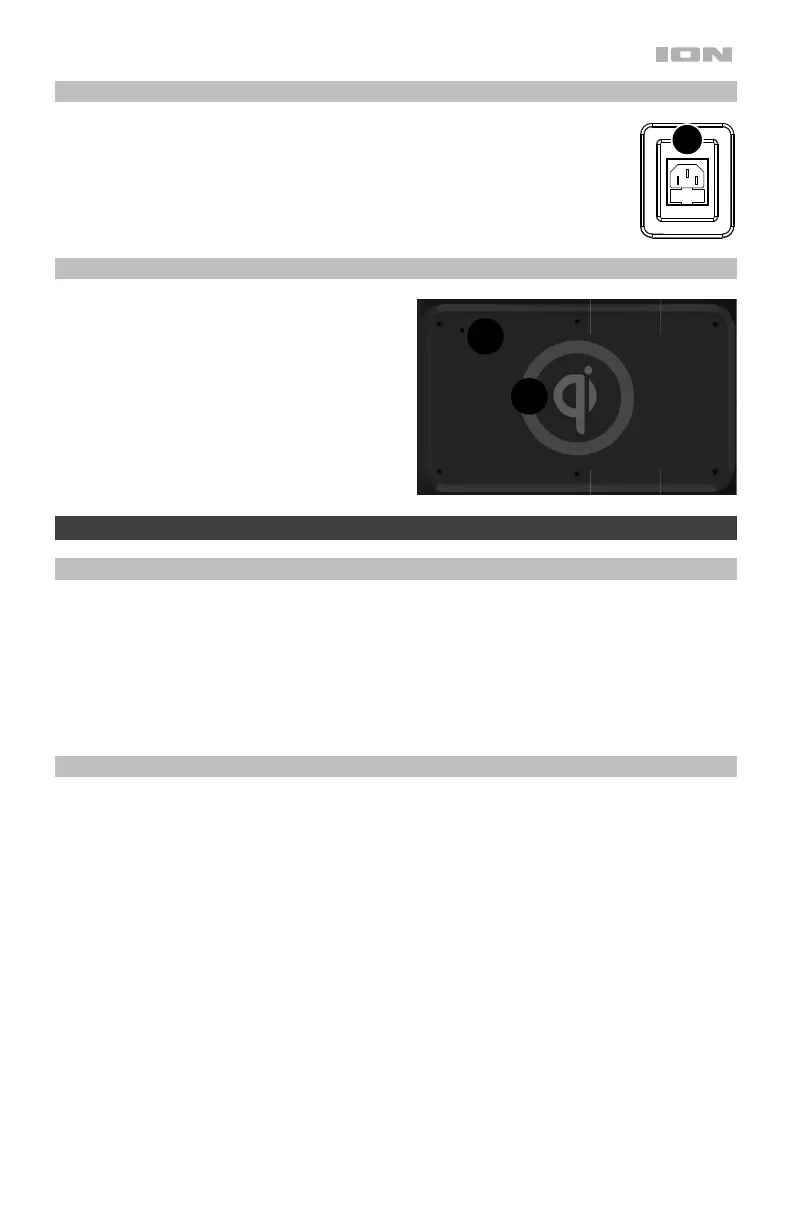
1. Power: Insert the included power cable here to charge the unit.
Top Panel
1. Qi Charging Pad: To wirelessly charge
your Qi-compatible device, place it in the
Qi charging area.
2. Qi LED: This LED on back left corner on
the top panel will slowly flash blue to
indicate the device is charging.
Operation
Using the Qi Charging Pad
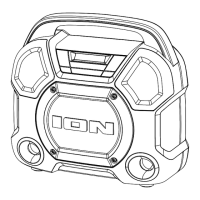
To wirelessly charge your Qi-compatible device, place it on Trailblazer
™
in the Qi charging
area. When a successful charging connection is made, the blue Qi LED on back left corner on
the top panel will slowly flash to indicate the device is charging. To save battery life, press the
Qi button to disable the Qi charging pad.
If no device is found or the device is not in range for charging, the Qi LED will be off. If a
device is placed on top that is not compatible with Qi charging or causes interference, the LED
will blink rapidly.
Light Mode
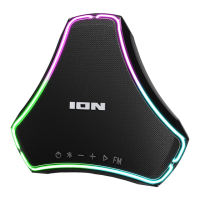
When Trailblazer
™
is first turned on, the lights will be in Color Cycle mode and start to slowly
fade from one color to the next. To pause on a certain color, press and hold the Light button
for 1 second. To enter Beat Sync mode and have the lights react to the beat of the music,
press and release the Light button. Press the Light button again to turn off the lights.
1
1
1
1
2



 To Next Page