8
3. GOTONOVA
TM
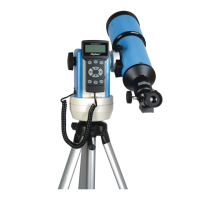
8405 Hand Controller
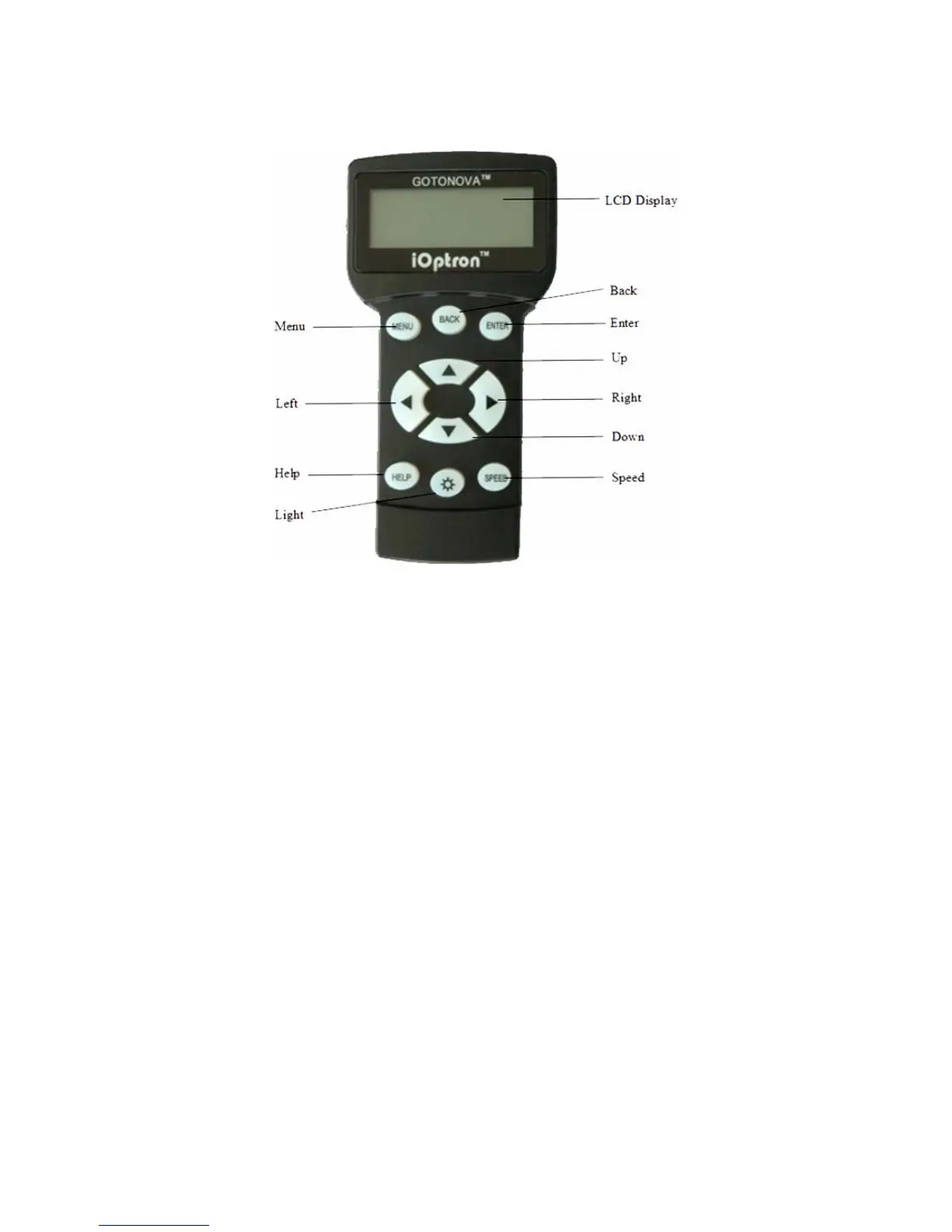
Figure 1. GOTONOVA 8405 Hand Controller
GOTONOVA
TM
8405 hand controller (HC) is
the standard controller for a SmartStar R-80
telescope, as shown in Figure 1.
3.1. Key Description
• MENU: Press “MENU” to enter the Main
Menu.
• BACK: Move back to the previous screen,
or end/cancel current operation, such as
slewing.
• ENTER: Confirm an input, go to the next
menu, select a choice, slew the telescope to
a selected object, or stop/start tracking.
• Arrow (▲▼►◄): Press ▲▼ buttons to
move a telescope along the altitude
direction, ►◄ to move a telescope along
the azimuth direction. Brows the menu or
move the cursor in operating menu.
• SPEED Key: To select slew speed (2X,
8X, 64X, 256X, and MAX)
• Light Key (☼): Turns on/off the red LED
reading light on the back of the controller.
• HELP Key: For help and display more
information on an object.
• HBX (handbox) port: connect the HC to
SmartStar mount using a 6-wire RJ11 cable.
3.2. The LCD Screen
The 8405 HC consists of a large 4-line LCD
screen, which displays all the information as
shown in Figure 2. The user interface is
simple and easy to learn.


 To Next Page