14
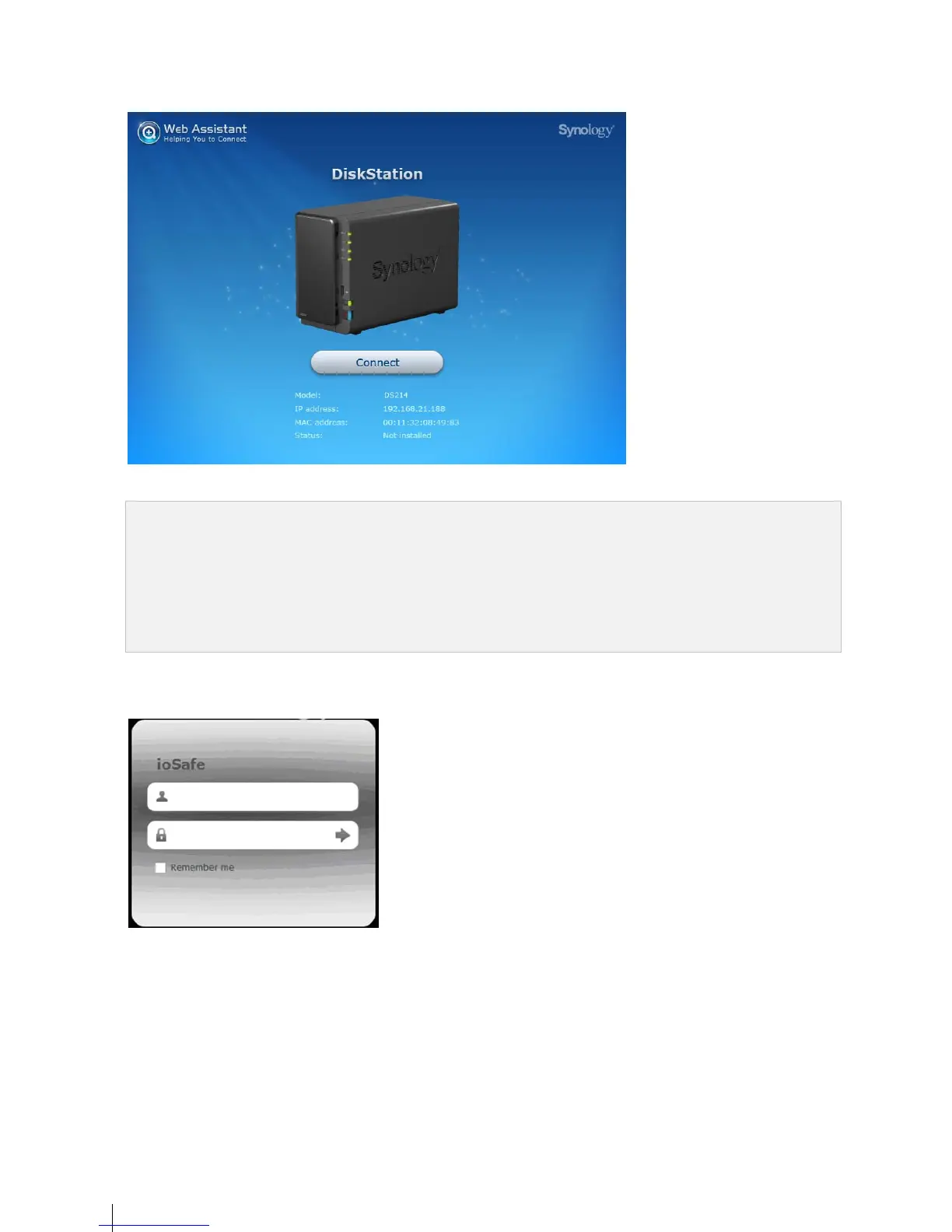
5 Click Connect to start the setup process. Follow the onscreen instructions to complete the setup process.
Note:
1. ioSafe uses an unmodified version of Synology’s DSM. The software interface will sometimes refer to the
Synology Product the ioSafe is based on; Synology DS216
2. Suggested browsers: Chrome, Firefox.
3. Both the 216 and the computer should be in the same local network.
4. Internet connection must be available during DSM installation with Web Assistant.
6 A web browser should open showing the 216 Login screen. Enter the default login and password.
user name: admin
password: _______
admin


 To Next Page