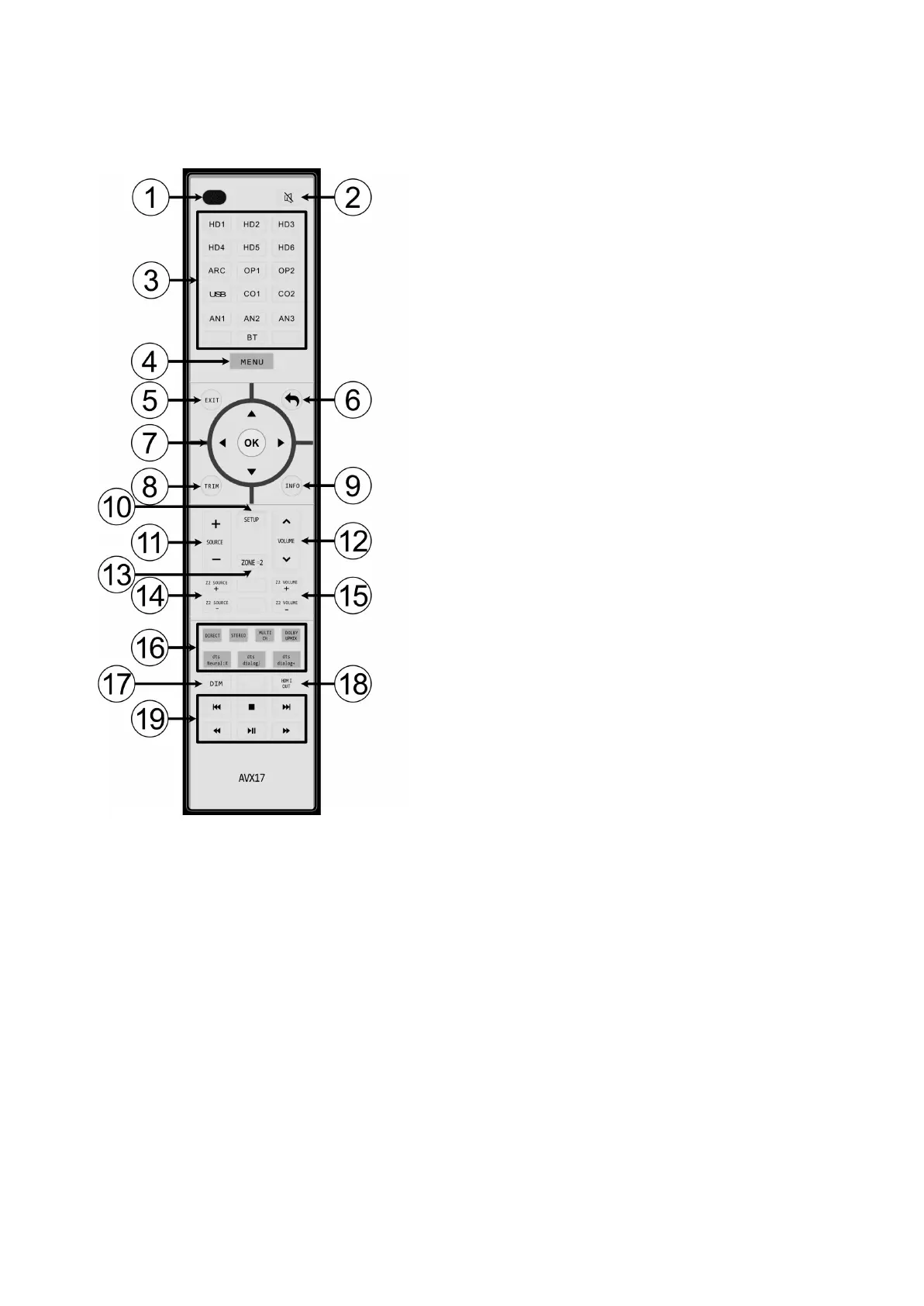
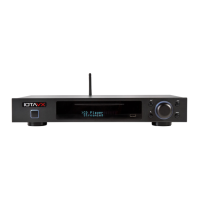
Remote Control
1. Power
Turns the device on and off.
2. Mute
Mutes the device.
3. Input selection
HD1-6: HDMI 1-6
ARC: HDMI ARC
OP1-2: Optical inputs 1-2
USB: USB audio input
CO1-2: Coaxial inputs 1-2
AN1-3: Analog inputs 1-3
BT: Bluetooth adapter (optional)
4. Menu
Calling up the menu.
5. EXIT
Exit the menu.
6. Back
Jump back to the higher menu level.
7. D-pad
navigation in the menu.
8. TRIM
Call up the short-term sound settings.
9. MENU button
Calling up the playback information.
10. SETUP
Calling up the setup in the menu.
11. Source selection
Jump between the sources.
12. Volume
Adjustment of the desired volume.
13. Zone 2
Activates or deactivates the Zone 2 output.
14. Zone 2 source selection
Selection of a source for playback via the Zone 2 output.
15. Zone 2 volume
Adjustment of the desired volume of the Zone 2 output.
16. Playback mode
Selection of the desired playback mode.


 To Next Page