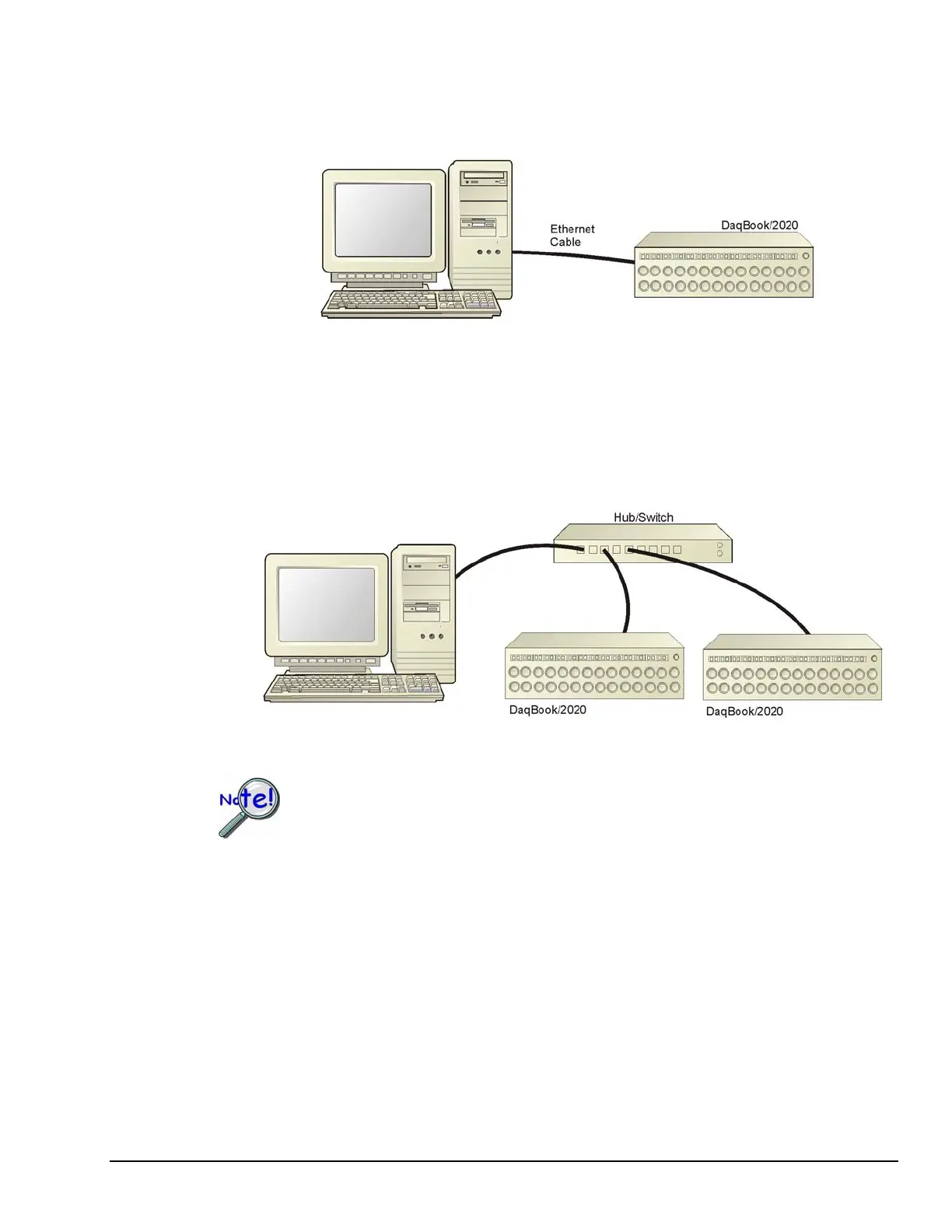
Dedicated Network - with a direct cable connection from the PC to the device
In this scenario a DaqBook/2020 is connected directly to an Ethernet jack on a host computer. The
following figure could just as easily portray a DaqBook/2001, DaqBook/2005, DaqOEM/2001, or
DaqOEM/2005 connected to the host PC via Ethernet cable.
Dedicated Network using a Direct Cable Connection
Dedicated Network - making use of a network hub or switch
In the following figure a DaqBook/2020 is connected to the Ethernet through a network hub/switch. At
least one computer is also connected to the hub. The other DaqBook/2000 Series and DaqOEM/2000
Series devices can be connected directly to the hub/switch in the same manner.
Dedicated Network using a Hub/Switch
Some network devices such as a wireless access point may act as a DHCP server. If this is
the case, follow the instructions for the LAN with a DHCP server. For detailed
information consult the documentation that is specific to your network device.
DaqBook/2000 and DaqOEM/2000 Series 898095 Configuring the System for Operation 6-3



 To Next Page