Need help?
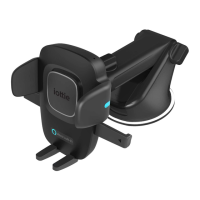
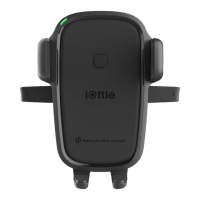
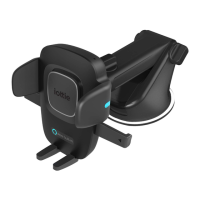
Do you have a question about the iOttie Easy One Touch Mini and is the answer not in the manual?
Steps to assemble the mount cradle with the ball joint and tighten the knob.
Guidance on choosing between dashboard/flat surface or windshield installation.
How to loosen and tighten the cradle knob for landscape mode rotation.
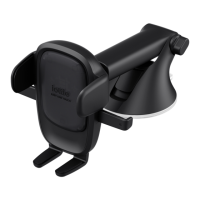
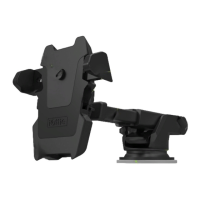
Using the pivot knob to adjust the telescopic arm for secure positioning.
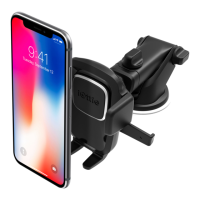
Steps to mount a smartphone using the trigger button and locking arms.
Instructions on how to release a smartphone from the mount.
 General
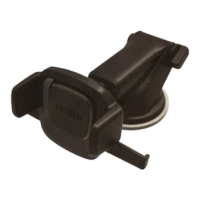
| Product Type | Car Mount |
|---|---|
| Mounting Type | Dashboard or Windshield |
| Adjustability | 360-degree rotation |
| Color | Black |
| Compatibility | Most smartphones |
| Features | One-touch locking and release mechanism, Compact design |
| Material | Plastic |

 To Next Page