
 Need help?
Do you have a question about the iOttie iTap 2 Wireless and is the answer not in the manual?
Crucial step for optimal wireless charging performance.
Guidance on phone orientation and case usage for secure holding.
Lists devices confirmed to be Qi Wireless compatible.
Instructions for using the charger and cable in a vehicle.
 General
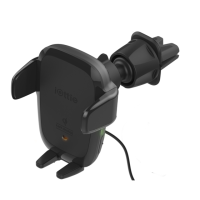
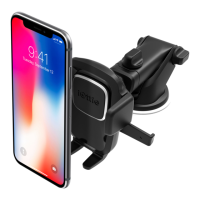
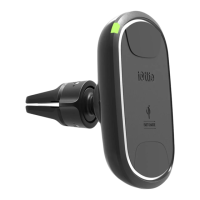
| Product Type | Wireless Car Mount Charger |
|---|---|
| Charging Standard | Qi Wireless Charging |
| Output Power | 10W |
| Compatibility | Qi-enabled devices |
| Adjustability | 360-degree rotation |
| Color | Black |
| Weight | 0.5 lbs |
| Mounting Method | Dashboard or windshield |
| Features | automatic clamping |
| Material | Plastic |
| Input | 5V/2A |

 To Next Page
