C
HAPTER
4
| Basic Management Tasks
Managing System Files
– 109 –
WEB INTERFACE
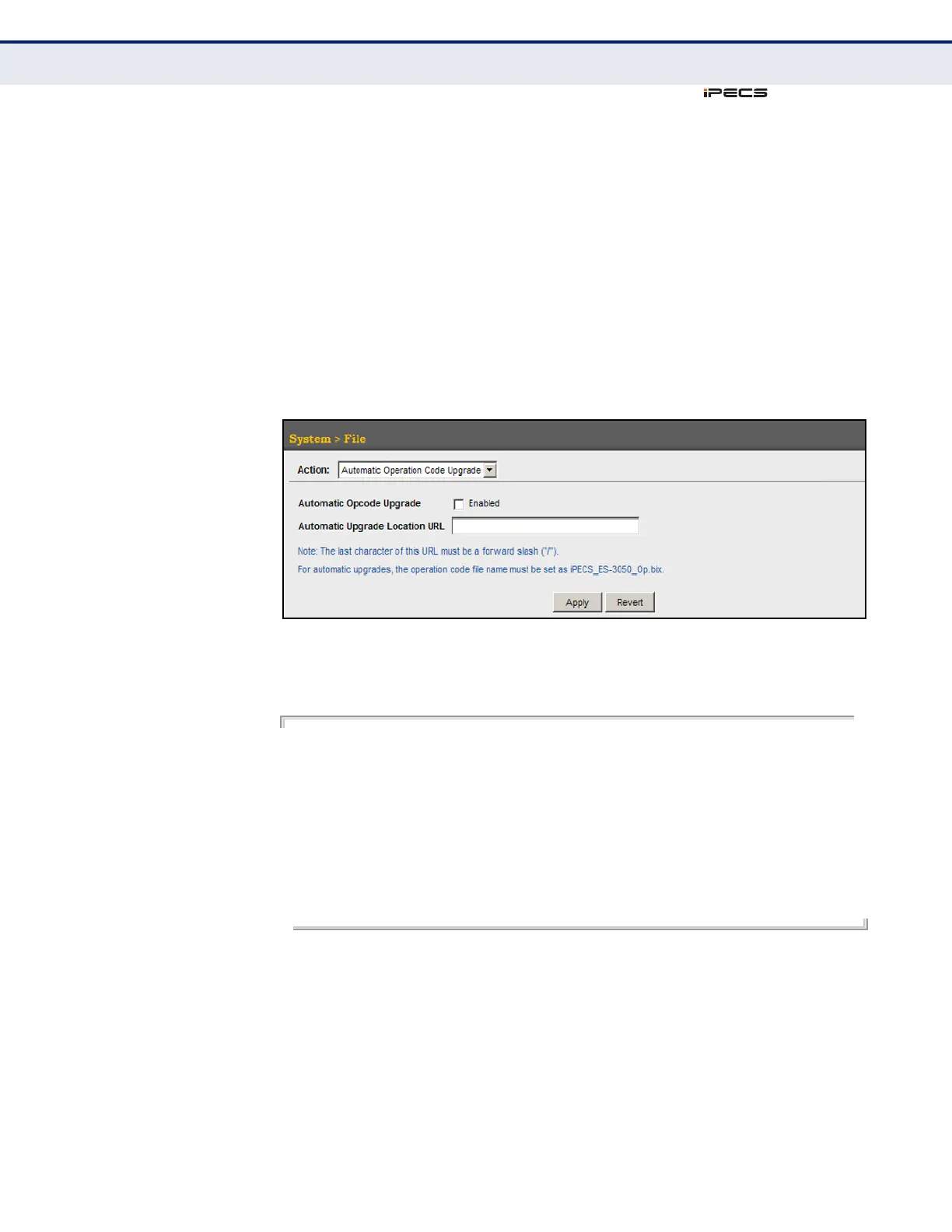
To configure automatic code upgrade:
1. Click System, then File.
2. Select Automatic Operation Code Upgrade from the Action list.
3. Mark the check box to enable Automatic Opcode Upgrade.
4. Enter the URL of the FTP or TFTP server, and the path and directory
containing the operation code.
5. Click Apply.
Figure 12: Configuring Automatic Code Upgrade
If a new image is found at the specified location, the following type of
messages will be displayed during bootup.
.
.
.
Automatic Upgrade is looking for a new image
New image detected: current version 1.0.1.5; new version 1.1.2.0
Image upgrade in progress
The switch will restart after upgrade succeeds
Downloading new image
Flash programming started
Flash programming completed
The switch will now restart
.
.
.



 To Next Page