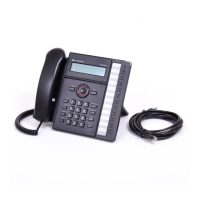
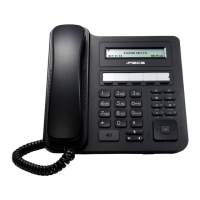
LDP-9208D/9224D/9224DF/9240D Quick Guide
3
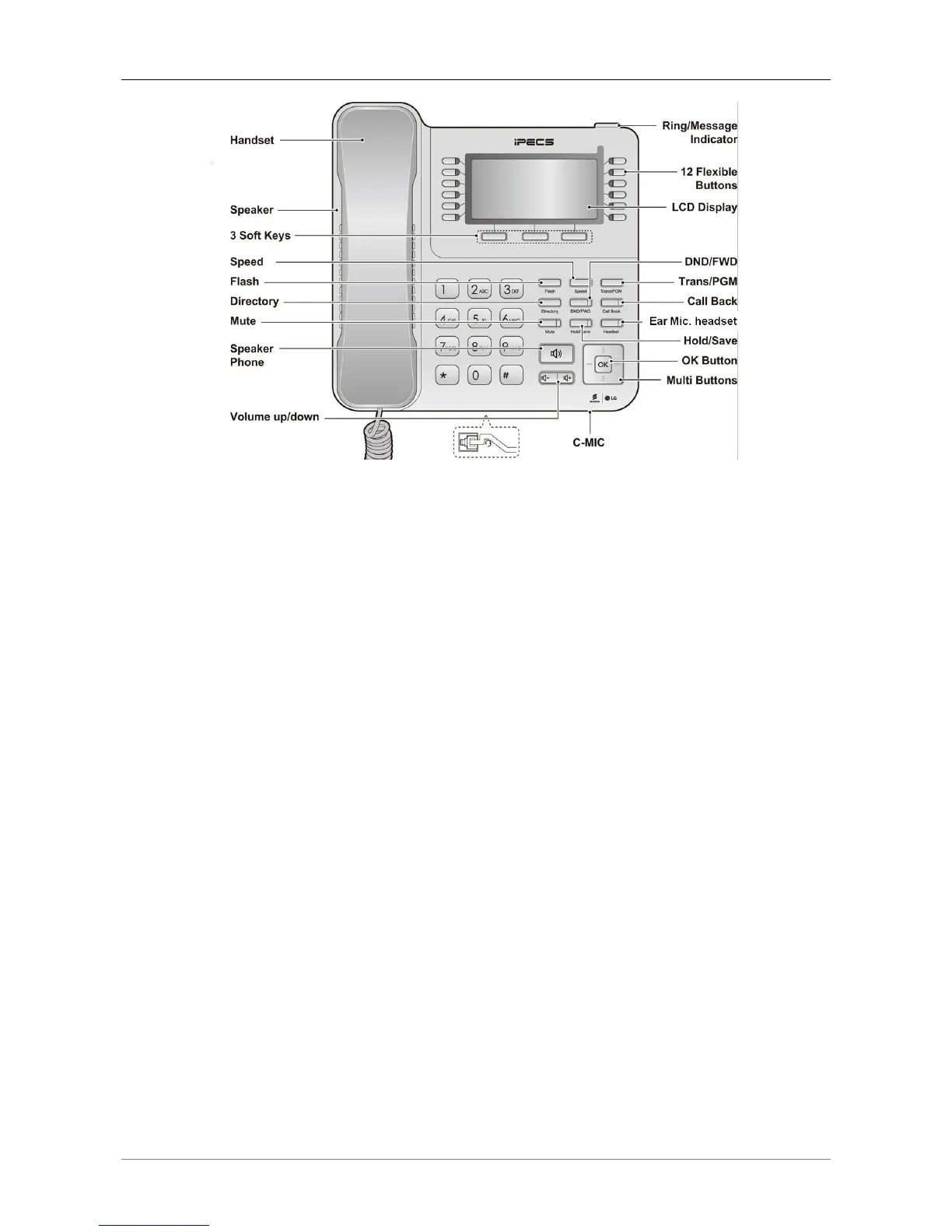
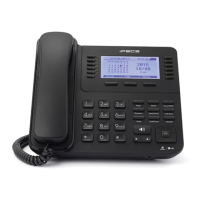
Figure 4 LDP-9240D button naming
The functions of button
Below is a brief description of the elements called out in the above LDP-9200 series Phone
diagrams.
1. Ring/Message Indicator: Flashes when receiving a new call or you have a new message
waiting.
2. LCD Display: Displays your phones status, dialing directories, and text message
information.
3. Handset: Use to answer a call using the handset.
4. Speaker: Delivers ringing and other signals, and lets you hear the caller’s voce in
speakerphone mode.
5. Dial pad buttons: Use to dial a number, select a menu item, or input a value.
6. Speakerphone button: Toggles the phone speakerphone on and off. The button
illuminates when the speakerphone is active or the phone is in menu mode.
7. Volume control button: Use to adjust Ring, Headset, Handset, and Speaker volume.
8. Flexible buttons: Assigned as Line or feature access button.
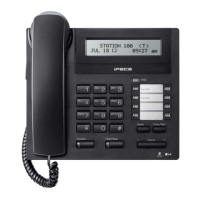
LDP-9208D has 8 flexible buttons.
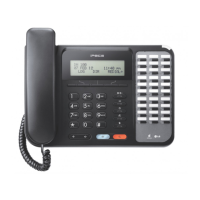
LDP-9224D has 24 flexible buttons.
LDP-9224DF has 24 flexible buttons.
LDP-9240D has 24 (2*12) flexible buttons.
9. Soft keys: Soft keys are interactive, changing function based on the status of LDP-9224D &
LDP-9224DF, and LDP-9240D. LDP-9208D does not support Soft keys.
10. Navigation key for LDP-9240D
Left: Use to select the previous group of soft keys when ◄ appears in the bottom-left of
the LCD.
Right: Use to select the next group of soft keys when ► appears in the bottom-right of
the LCD.
Up: Scrolls through the phone’s menu options upward.
Down: Scrolls through the phone’s menu options downward.


 To Next Page