STG
2
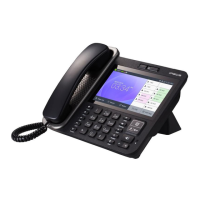
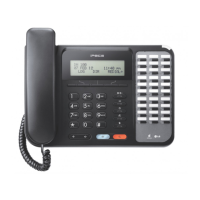
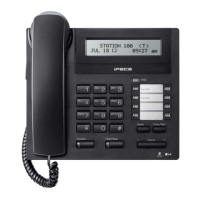
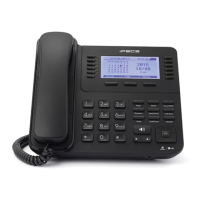
LIP Keyset User Operation
The following is provided as quick reference for commonly used features/functions. Complete instructions
are included in the User Guide.
Placing a Call:
ICM Line –
• Lift handset or press SPEAKER button.
• Dial the extension number from the keypad.
CO Line –
• Lift handset or press SPEAKER button.
• Press CO/IP line, or dial access number.
• Dial desired phone number.
Using Camp-On:
• When calling a busy Station, press *.
• Wait for party to answer.
To retry a busy external number until answered:
• When placing an outgoing call to a busy party, use the Navigation button to display the next menu, and
press the ACNR Soft button.
• Hang-up handset; the call will be completed when busy party returns to idle state.
Delete ACNR:
• Press the STOP Soft button.
Answering a Call while idle:
ICM Line –
• Lift handset, or if in HF mode, just speak.
CO Line –
• Lift handset, and press flashing Flex button (as needed).
• MUTE - (toggle) press to stop sound on a call.
• VOL S T– press to adjust sound on a call.
Answering a Call while busy:
• Press the Hold/Save button.
• Press the flashing CO button.


 To Next Page