V1 mini series server instruction manual
- 13 -
Note: The protocol information filled in "Network Configuration" in the figure (staic) is for
reference only, please refer to the on-site network protocol information for details.
3.2.2 WiFi connection
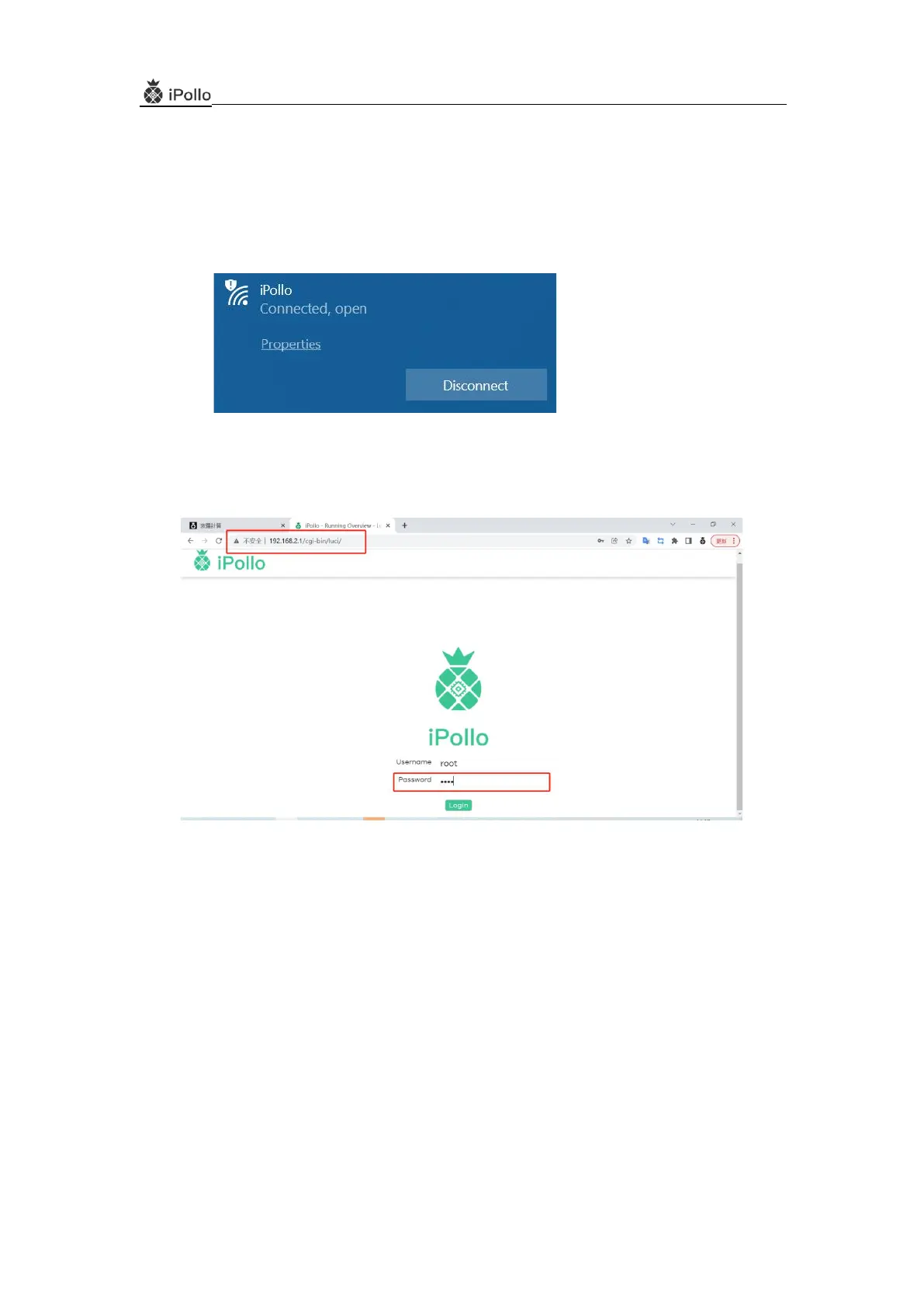
(1) After the V1 mini Classic WiFi server is powered on, it will send out the WiFi signal
"iPollo_XXXXX"; turn on the laptop and connect to the wireless signal "ipollo_XXXXX"
(2) Browse the server's default IP address "192.168.2.1" on the website to enter the server login
interface:
(3) Enter Password "root" to enter the server background control interface, click "Wireless" to enter
the wireless setting interface


 To Next Page