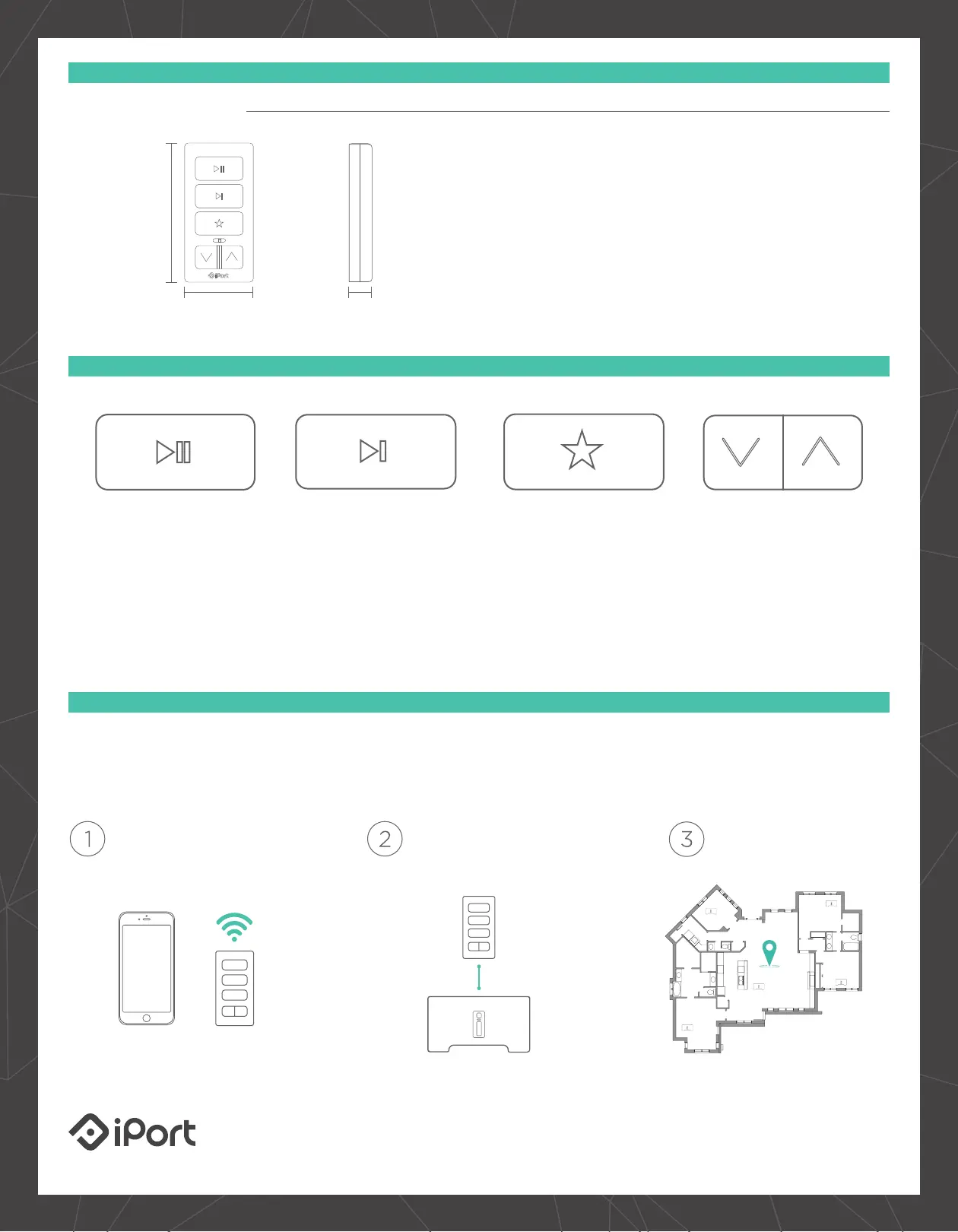
Dimensions
Weight: 0.1 lbs
Height: 2 5/8”
Width: 1 5/16”
Depth: 7/16”
What’s in the Box
•
Keypad
•
Micro - USB to USB Cable
•
1G Decora Wall-plate
adapter & hardware
•
Quick Start Guide
#70800
XPRESS AUDIO KEYPAD SPECIFICATIONS
BUTTONS
XPRESS AUDIO KEYPAD
Play / Pause
Start your music with a
touch of a button,
anywhere you are.
No need to take your
phone out of your pocket.
Track Forward
Not feeling the current
song? No worries, just hit
the track forward button.
Favorites
Get direct, access to all of
your Sonos favorites!
Toggle between music
stations such as Spotify
and Pandora. It’s all there
at the touch of a button.
Volume
Need to quickly turn down
the volume? Now you
have the ability to.
With volume buttons
ready and on hand for
when you need to answer
the phone or turn up
the party.
SETTING UP XPRESS
Use the iPort Connect iOS App to configure an xPress Audio Keypad in just a few minutes. Just tell the keypad what
network you would like to join and which Sonos device to connect to. Thats it. No programming or hub required.
Add Your Keypad to
Your Network
Assign your Keypad to
a Sonos Device
Choose a Great Spot to
Install Your Keypad
iPort and xPRESS are trademarks of Dana Innovations, registered in the U.S. and other countries.
Copyright 2016, all rights reserved. Sonos is a trademark of Sonos, registered in the U.S. and other countries.
09.22.16
33-7774
2 5/8”
(66mm)
1 5/16” (33mm)
7/16” (11mm)


 To Previous Page