132 133
FUNCTIONALITY
REMOTE CONTROL
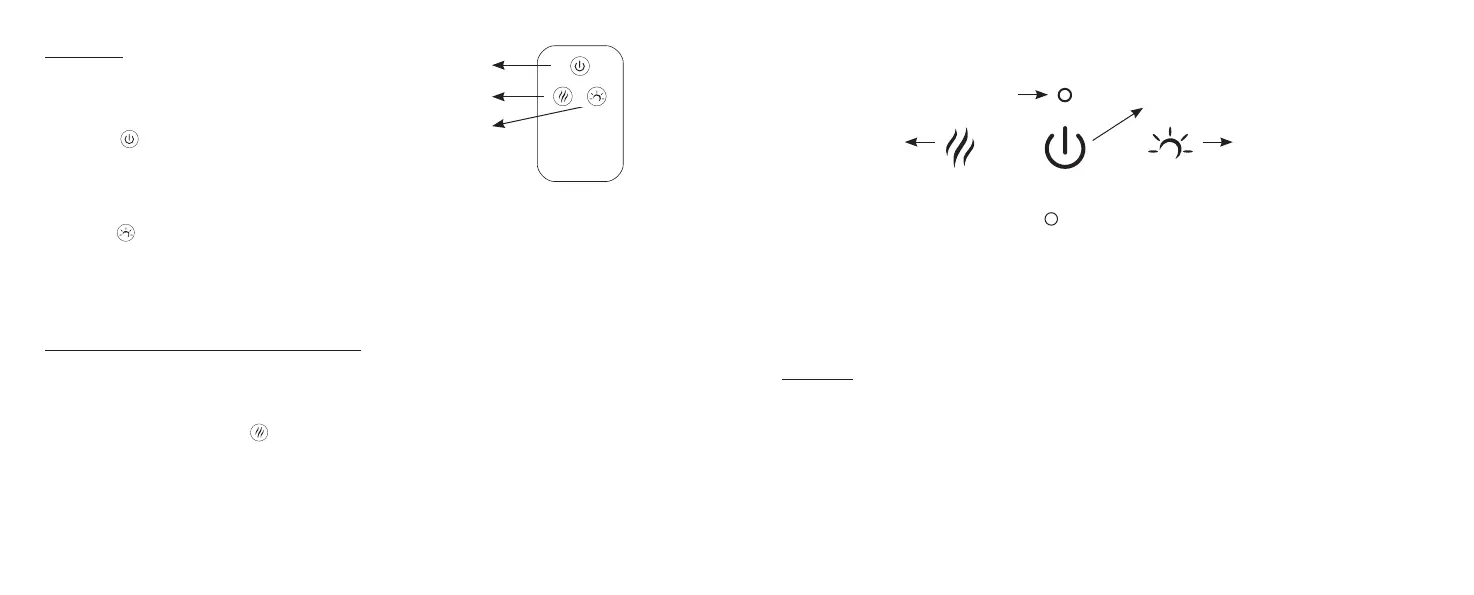
The sensor that reacts with the remote control
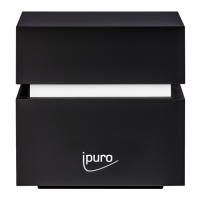
is located under the ipuro logo on the front.
Please aim the remote control in this direction.
Power button:
1st Press:
Continuous diusion + warm light
2nd Press:
Turn all functions o
Light button:
Already at warm white light when device is turned on.
1st Press: flickering light
2nd Press: light o
3rd Press: warm white light
(The cyclic is warm white light, flickering light, o...)
If you press the light button directly without pressing power button on
1st Press: warm white light
2nd Press: flickering light
3rd Press: light o
(The cyclic is warm white light, flickering light, o...)
Diusion intermittent/continuous button:
Already at continuous diusion when the device is turned on.
1st Press: intermittent mode (30 seconds intervals)
2nd Press: diusion o
3rd Press: continuous mode
(Following this cyclic)
Before you adjust the mist mode you should turn the device on firstly.
FUNCTION BUTTONS AT BACKSIDE (TOUCH BUTTONS)
The buttons on the device match the buttons on the remote control (see above).
The water tank symbol under the three touch keys has no touch function.
BATTERY STATUS AND CHARGING INDICATION LIGHT:
The device has an integrated rechargeable battery and can be used (once it is charged) for a certain time without any power adaptor.
Red light: device has low battery power
Yellow light: device is charging
Green light: device is fully charged
With full charge the diuser can work for 3.5 hours in continuous mode with light and 6 hours in intermittent mode with light. It takes four hours
to fully charge the device (once battery run out of charge).
MAINTENANCE
Essential oil residues can build up in the water tank of the diuser. It is recommended to clean your diuser every 3 days for a unit that is conti-
nuously in use or before changing oils.
Important care instructions:
Hand wash only. Never place in dishwasher.
Never immerse the diuser in water.
Always unplug the diuser when not in use.
Adjust light mode
Adjust diusion mode
On/O
Power On/O
Diusion button
Battery indicator
Light button


 To Next Page