EasyManua.ls Logo

IQ IQ150 - Getting Started; Two-Point Calibration Guide

IQ IQ150
25 pages
Print Icon
To Next Page IconTo Next Page
To Previous Page IconTo Previous Page
Loading...
1
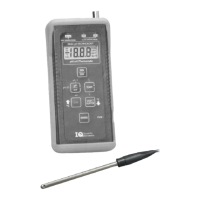
MODEL IQ150 pH Meter
Getting Started
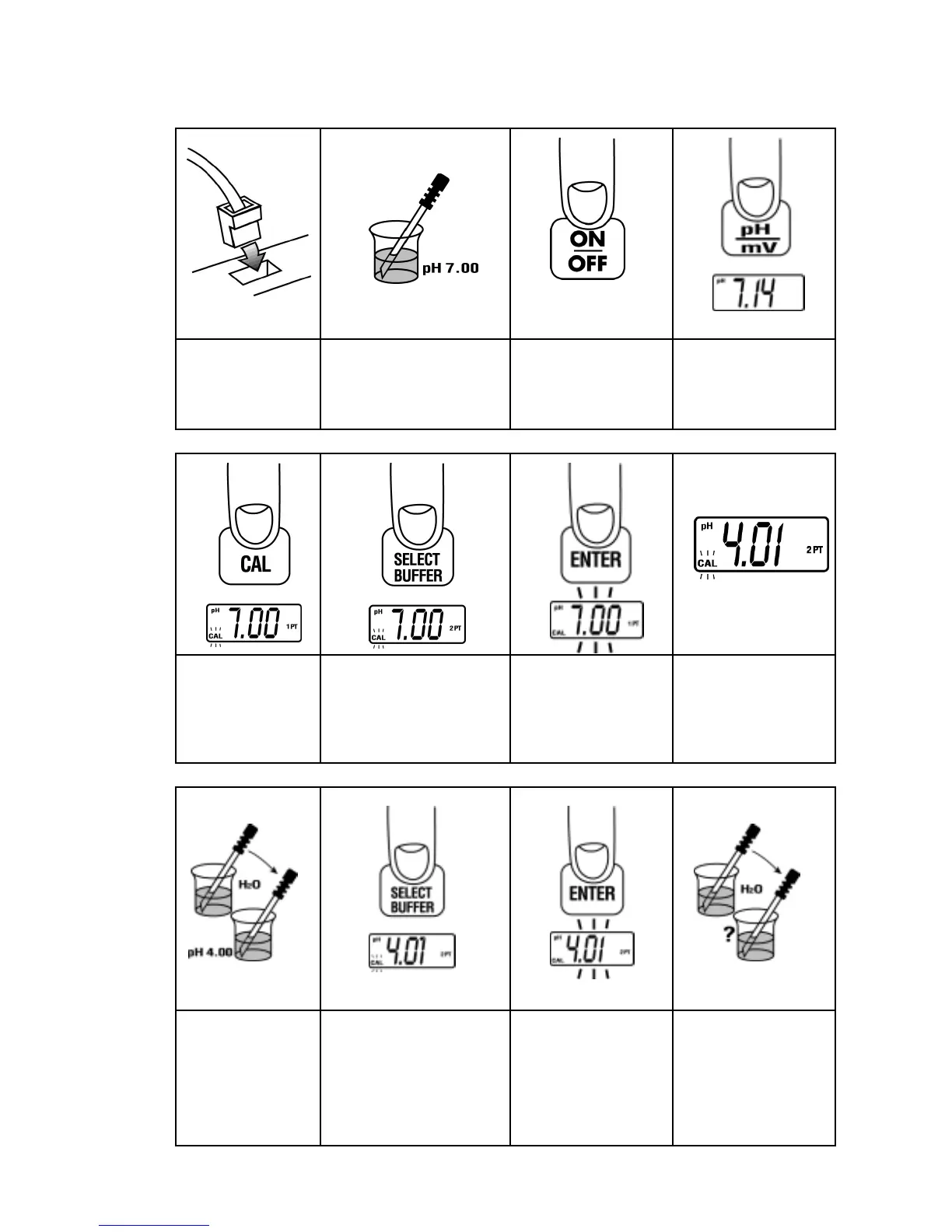
TWO-POINT CALIBRATION--QUICK REFERENCE GUIDE
1.
2. 3. 4.
Connect probe to
meter.
Put probe in first
calibrating buffer.
Press ON/OFF to
turn on meter.
If necessary, press
pH until pH icon is
seen on the display.
5. 6. 7. 8.
Press CAL. If necessary, press
SELECT BUFFER
until display matches
first buffer value.
Press ENTER and
wait until the large
number display
stops flashing.
When complete,
meter will display
the next stored
buffer value. 2PT
will be displayed.
9. 10. 11. 12.
Rinse probe in
deionized water
and place in
second calibrating
buffer.
If necessary, press
SELECT BUFFER
until display matches
second buffer value.
Press ENTER and
wait until the large
number display
stops flashing.
Rinse probe in
deionized water and
place in sample.