7
6
5
4
9
a. This could indicate that the IQOS™ Holder is not
fully charged. Place the IQOS™ Holder
in the IQOS™ Pocket Charger and wait until it is
fully charged. It takes up to 5 minutes to charge.
b. Check that the IQOS™ Pocket Charger
is switched ON and is charged enough.
c. If none of the above, perform a reset
of the IQOS™ Device, to do so please go
to troubleshooting #5.
If the problem remains, please contact customer care.
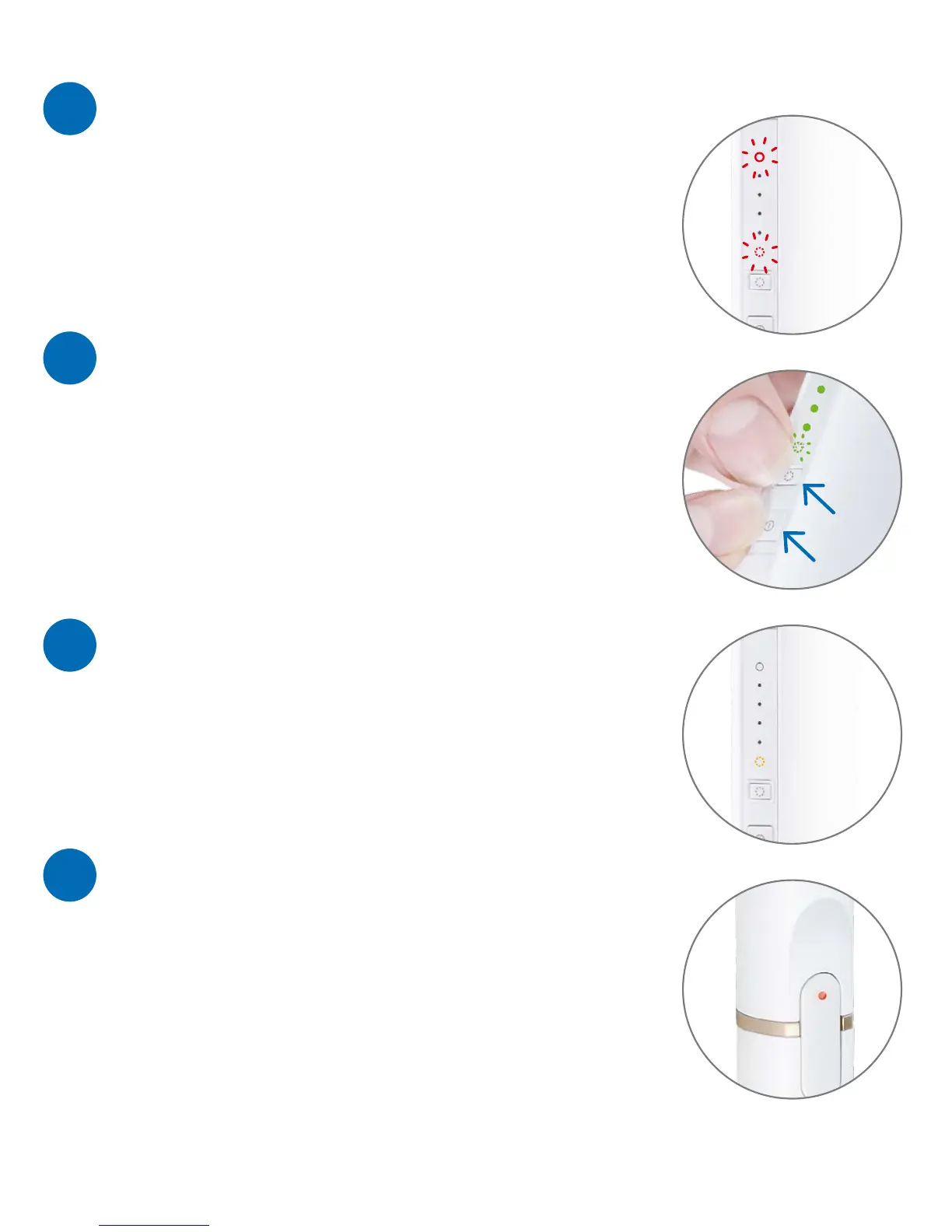
This light informs you that the IQOS™ Pocket Charger
will shortly perform an automatic
Heater Blade Cleaning.
a. Place the IQOS™ Holder in the IQOS™ Pocket Charger
and check that both are charged.
b. Press and hold simultaneously the IQOS™ Holder
Heater Blade Cleaning and Power Buttons
until all lights briefly blink.
If the problem remains, please contact
customer care.
Please perform a reset of the IQOS™ Device,
to do so please go to troubleshooting #5.
If the problem remains, please contact
customer care.
TROUBLESHOOTING
The light is red on my IQOS™ Holder.
One light remains orange on
the IQOS™ Pocket Charger
and disappears after a while.
How to do a reset of the IQOS™ Device.
Two lights are blinking red
on the IQOS™ Pocket Charger.



 To Next Page