Need help?
Do you have a question about the IRC The box and is the answer not in the manual?
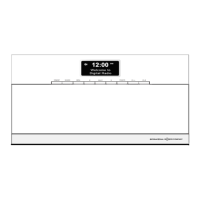
Connect power cord to AC IN socket and open the cover to switch the radio on.
Adjust the radio volume by pressing the '+' or '-' buttons when no menu setting is active.
Instructions for opening the compartment, inserting the battery, and closing the cover.
Browse and select available DAB stations from the station list for playback.
Scan for all available DAB/DAB+ stations to update the station list.
Switch to FM mode and tune to stations manually or via auto-scan.
Connect your mobile device to the radio via Bluetooth for music playback.
Connect external audio sources like MP3 players via the AUX IN socket.
Configure alarm states, time, duration, and active days for wake-up calls.

 To Next Page
 General