EasyManua.ls Logo

iReliev ET-5050 - User Manual

iReliev ET-5050
44 pages
Print Icon
To Next Page IconTo Next Page
Loading...
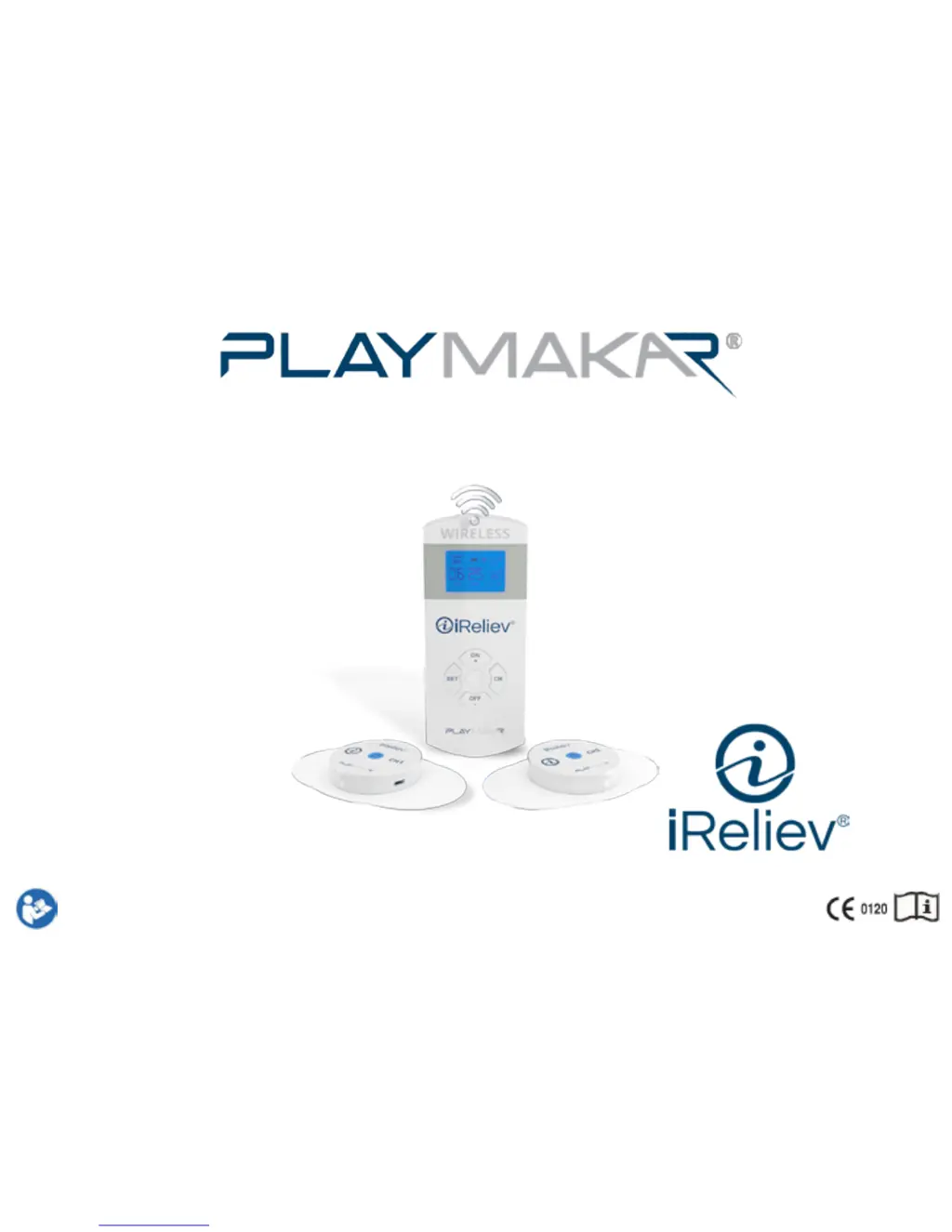
Therapeutic Wearable System™
TENS + EMS Wireless Muscle Stimulator
Instruction ManualMODEL NO. ET-5050

Questions and Answers

  • O
    odukeAug 15, 2025
    What to do if iReliev Fitness Equipment remote does not control receiver pods?
    • D
      Donald MurphyAug 15, 2025
      First, make sure that the receiver pods and the remote are fully charged and turned on. If you've used the advanced pairing option, press the CH button on the remote to navigate to the correct pod. Then, set the receiver pod by adjusting the intensity.
  • T
    Tabitha VargasAug 18, 2025
    Why iReliev Fitness Equipment remote will not turn on?
    • S
      Steven MillerAug 19, 2025
      Make sure to press and hold the ON button for 3 seconds. Also, ensure that the remote is fully charged and unplugged from the charging cable.
  • D
    David JohnsonAug 21, 2025
    What to do if my iReliev Fitness Equipment remote/receiver pod(s) do not seem to be charging?
    • J
      Joseph WalkerAug 21, 2025
      Check that the USB cable is correctly plugged into the remote/receiver pod(s) and that the AC adapter is securely plugged into the electrical socket.
  • S
    shelby25Aug 25, 2025
    What to do if iReliev Fitness Equipment pod will not turn off?
    • E
      efieldsAug 25, 2025
      If there are treatment minutes remaining, reduce the intensity to "0", then press and hold the OFF/- button for 3 seconds. If treatment minutes have not been set, press and hold the OFF/- buttons for 3 seconds.
  • J
    James SchultzAug 27, 2025
    Why iReliev Fitness Equipment receiver pod(s) turns off after 3 minutes?
    • K
      Karen StarkAug 27, 2025
      This happens if the intensity is not increased beyond "0". To solve this, turn on the receiver pod(s), turn on the remote, and set the receiver pod(s) by adjusting the settings and intensity.
  • P
    Perry AdamsAug 30, 2025
    What to do if I cannot feel anything from my iReliev Fitness Equipment?
    • T
      Tara PollardAug 30, 2025
      Ensure that the receiver pod(s) are turned on. Gradually increase the intensity past “1” until you feel a tingling sensation.
  • M
    mahoneykellySep 2, 2025
    What to do if iReliev Fitness Equipment remote is not charging?
    • T
      Thomas MillerSep 2, 2025
      If the iReliev Fitness Equipment remote and/or receiver pod(s) aren't charging, ensure the USB cable is correctly plugged into the remote/receiver pod(s) and firmly plugged into the AC adapter and the electrical socket.
  • L
    larsonjenniferSep 5, 2025
    Why does iReliev Fitness Equipment stimulation cause discomfort?
    • W
      walkerbryanSep 5, 2025
      If the stimulation from your iReliev Fitness Equipment causes discomfort, it could be due to the electrode pads losing their adhesive capacity or being worn down. Try slightly changing the positioning of the electrode pads. Also, consider choosing a program that better suits your needs or provides greater comfort.
  • W
    William DaySep 8, 2025
    Why iReliev Fitness Equipment remote is not turning on?
    • B
      Brianna AllenSep 8, 2025
      If the remote for your iReliev Fitness Equipment isn't turning on or the screen is blank, ensure that the remote has been fully charged.
  • H
    Holly CarterSep 12, 2025
    How to set iReliev Fitness Equipment receiver pod?
    • K
      Kristopher BennettSep 12, 2025
      To set the receiver pod on your iReliev Fitness Equipment, ensure it has been fully charged and turned on. Then, press the CH button on the remote to find the respective channel and customize the settings as needed.

Summary

Indications and Safety

Indications for Use

Lists intended uses for TENS and EMS modes for pain relief and muscle stimulation.

Contraindications and Warnings

Lists conditions where the device should not be used and general safety warnings.

Device Setup and Operation

Package Contents and Battery Charging

Lists included items and instructions for charging the device's batteries.

Operating the Device

Step-by-step guide for skin prep, pad placement, remote/pod operation, and program selection.

Program, Time, and Intensity Selection

How to choose TENS/EMS modes, programs, therapy time, and adjust intensity levels.

Troubleshooting and Specifications

Troubleshooting Common Issues

Common problems and their solutions for the system.

Technical Specifications

Technical details including pulse width, frequency, and function modes for TENS and EMS programs.

Compliance, Warranty, and Support

Compliance Information

FCC, RF, EMC compliance, and conformity to standards.

Product Warranty and Registration

Outlines warranty, service policies, and device registration instructions.

iReliev ET-5050 Specifications

General IconGeneral
TypeTENS Unit
Intensity Levels25
Timer15, 30, 60 minutes
DisplayLCD
Warranty1 Year
Power SourceBattery
BatteryLithium Ion

Related product manuals