EasyManua.ls Logo

iReliev iRenew Plus ET-8080 - User Manual

iReliev iRenew Plus ET-8080
40 pages
Print Icon
To Next Page IconTo Next Page
Loading...
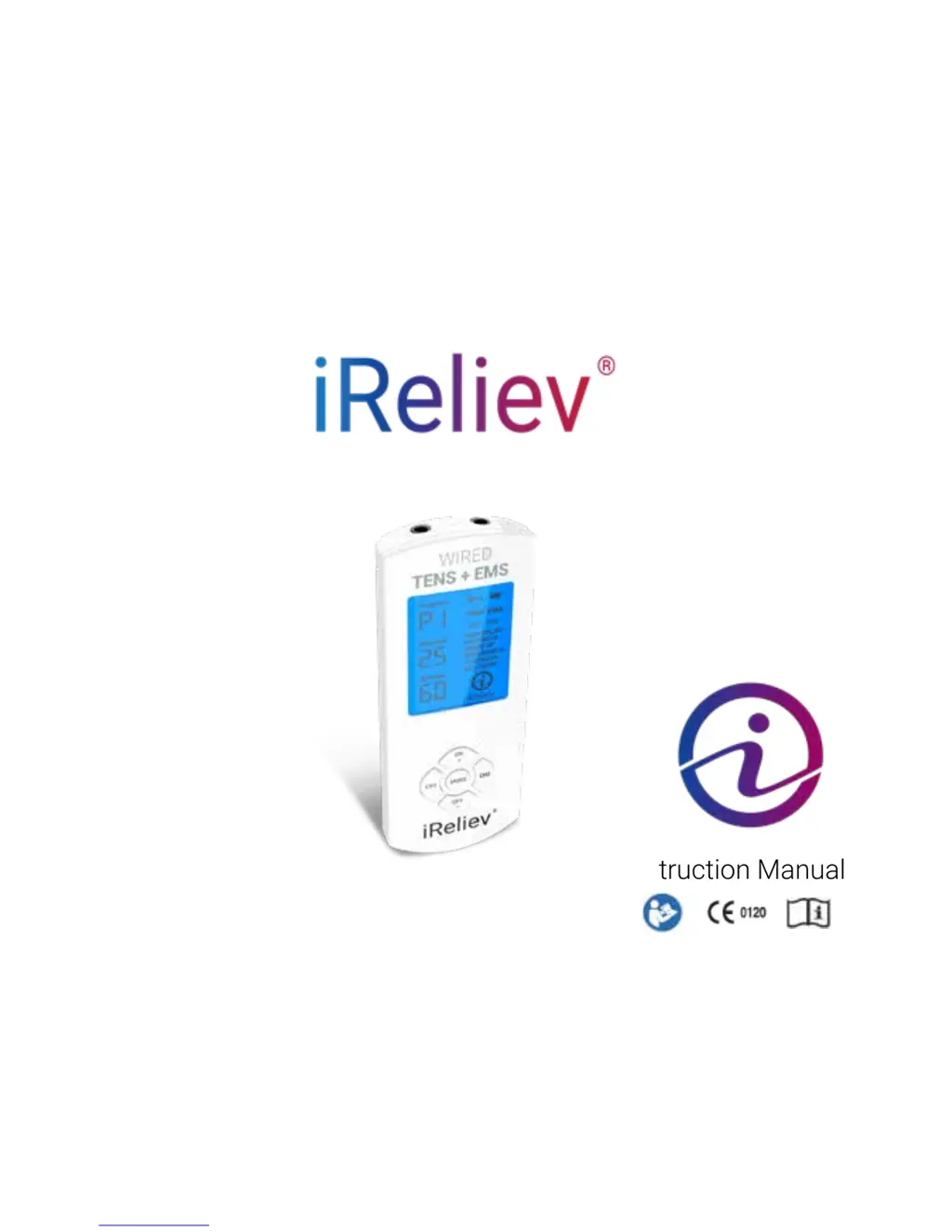
iRenew Plus Pain Relief & Recovery
TENS + EMS System
Instruction Manual
Model # ET-8080

Questions and Answers

  • J
    josephlawrenceAug 3, 2025
    How to turn on iReliev iRenew Plus ET-8080?
    • J
      John ColemanAug 4, 2025
      If your iReliev Fitness Equipment device isn’t turning on or the display is blank, it's likely due to a lack of power. Ensure the device has been fully charged. Also, make sure you press and hold the ON/+ button for 3 seconds to power it on.
  • K
    Kathryn WolfAug 11, 2025
    What to do if iReliev iRenew Plus ET-8080 Fitness Equipment intensity cannot be increased?
    • M
      Mary WhiteAug 11, 2025
      If your iReliev Fitness Equipment turns on, but the intensity remains at “1” for an extended period, it's likely the auto intensity reset safety feature has activated. To resolve this, ensure the lead wires are correctly connected to both the device and the electrodes, and that the electrodes are properly placed on your body. Remember that 2 small or 1 XL electrode pad per channel is needed. Also, consider replacing the electrode pads, as the gel quality might have deteriorated.
  • A
    Andrew ColeAug 18, 2025
    What to do if iReliev Fitness Equipment turns on but doesn't generate electric pulses?
    • J
      Jennifer Gibson MDAug 18, 2025
      If your iReliev Fitness Equipment turns on but doesn't generate electric pulses, the issue might be with the lead wires or electrode pads being broken or disconnected, or the treatment time may have expired. Try replacing or reconnecting the lead wires, ensuring they are properly seated in CH1/CH2. You can also switch the device off and then on again, and increase the treatment time.
  • L
    laurenreynoldsAug 26, 2025
    Why is the battery flashing on my iReliev Fitness Equipment?
    • S
      sanchezericAug 26, 2025
      If the battery indicator on your iReliev Fitness Equipment's LCD display flashes continuously, it means the battery power is low. To fix this, ensure that the device is fully charged.

Summary

Indications and Contraindications

Critical Safety Warnings

Contraindications for Use

Lists conditions and situations where the device should not be used to ensure user safety.

General Warnings and Precautions

Provides critical safety advice and warnings to prevent injury or device damage during operation.

Additional Usage Restrictions

Continues listing critical restrictions and warnings for safe usage of the device across various body areas.

User Precautions and Advisories

Cautions for Specific Conditions

Advises caution and physician consultation for users with specific medical conditions or concerns.

System Usage Guidelines

Device and Pad Handling

Details important restrictions and guidelines for using the system, including electrode pad care.

Adverse Reactions & System Conditions

Battery and Charging Information

Rechargeable Battery Precautions

Provides critical safety precautions for handling, charging, and storing the device's rechargeable battery.

Step-by-Step Operation Guide

Initial Setup Steps

Covers charging, connecting wires, and placing electrode pads before starting treatment.

Treatment Operation

Guides on turning the device on/off, selecting TENS/EMS modes, and choosing therapy programs.

Setting Treatment Parameters

Explains how to set treatment time and adjust intensity levels for optimal user comfort.

Special Features and Settings

Electrode Pad Placement Guide

Therapy Program Details

TENS Program Descriptions

Details the benefits and expected sensations for each of the 8 TENS programs (P1-P8).

EMS Program Descriptions

Explains the benefits, expected feelings, and suggestions for each of the 6 EMS programs (P1-P6).

Care and Maintenance

Troubleshooting Common Issues

Problem-Solution Guide

Lists common problems, their causes, and suggested solutions for the iReliev device.

Warranty and Support

Device Registration

iReliev iRenew Plus ET-8080 Specifications

General IconGeneral
Channels2
Modes6
Intensity Levels20
Warranty1 year
TypeTENS Unit
Power SourceBattery
BatteryLithium Ion

Related product manuals