Call a contact
You can call a contact directly from the contacts list.
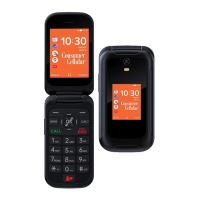
. Press the scroll key, and select Contacts .
2. Scroll to a contact and press CALL.
Write and send messages
1. Press the navigation key down from the home screen,
and select Messages > New.
2. In the To field, press # button until you are able to enter
numbers and then type in a phone number, or select Con-
tacts to add a contact from your contacts list.
3. Write your message. If you need to remove a character,
press the back key.
4. Select SEND.
Add a contact
1. Press the navigation key right from the home screen to
open Contacts.
2. Select New.
3. Enter the contact details.
4. Select SAVE.
5. Press to add your favorite contacts.
Transfer contacts from your old phone
To add contacts from your Gmail or Outlook account or
your memory card to your new phone, select Contacts >
Options > Settings > Import Contacts and the relevant
option.
To add contacts from your old phone using Bluetooth:
1. On your new phone, select Settings > Network & Con-
nectivity > Bluetooth > On.
2. Switch on Bluetooth on your old phone and send the
needed contacts to your new phone using Bluetooth.
3. On your new phone, accept the transfer request.
4. On the home screen, select Notices > Files received >
Import.
CONTACTS
15


 To Next Page
 Loading...