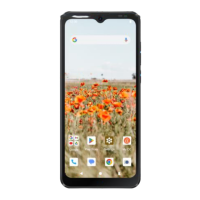
NOTE: Your setup may be dierent than the instructions in
this Quick Start Guide because of software updates or if
you choose dierent options. If the steps are dierent, just
follow your phone's on-screen instructions for setup.
Open the back cover
1.Put your fingernail in the small slot at the bottom of the
phone, lift and remove the cover.
7


 To Next Page