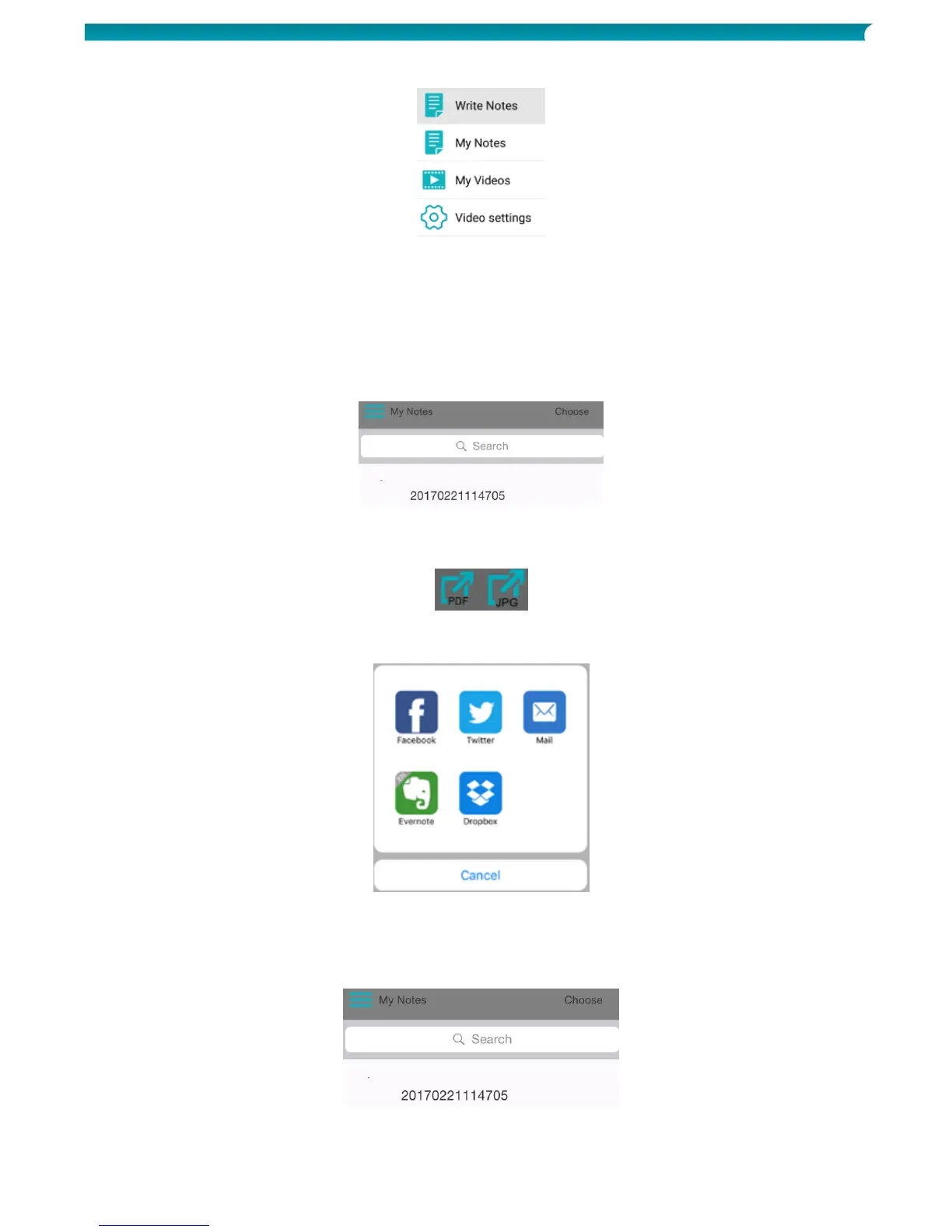
6. To access your saved notes, tap the menu icon > My Notes.
7. Tap a note to view its content.
8. To return to writing notes, tap Write Notes.
Share notes
The notes you have stored in My Notes can be shared as JPG and PDF file on your favorite social media.
1. In My Notes, tap the note you want to share.
Note that you cannot share multiple files the same time.
2. Select the required format in the top right corner: PDF or JPG.
Tip: if the note you want to share contains multiple pages, select PDF.
3. Then select how you want to share the note.
Note that the available apps depend on the format you selected.
Example apps when PDF is selected.
4. To share an entire upload, which contains multiple notes, tap Choose in the top right corner and
then select the file.
The name of an upload file always consists of the date and time (yyyymmddhhmmss).



 To Next Page