EasyManua.ls Logo

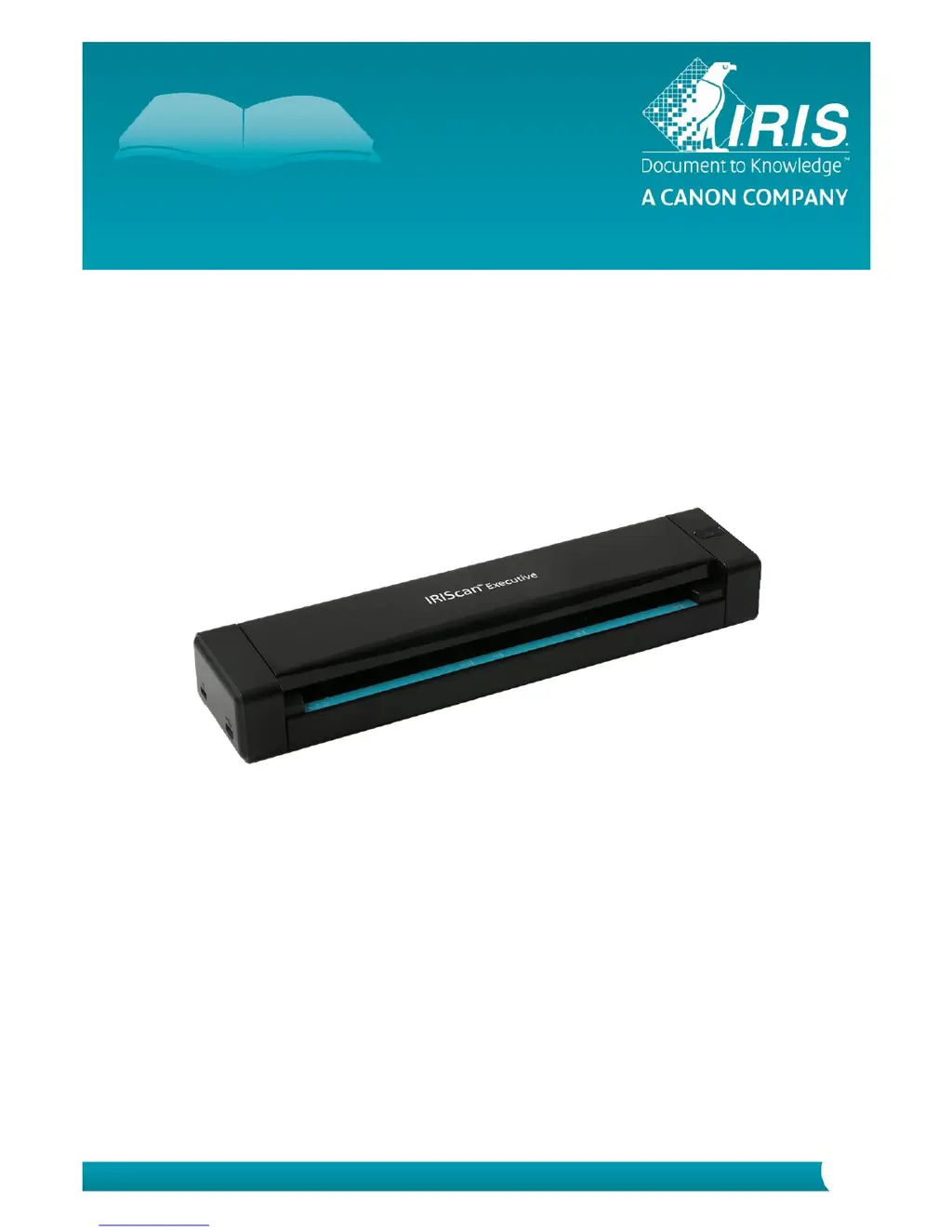
IRIScan Executive 4 - User Manual

IRIScan Executive 4
16 pages
Print Icon
To Next Page IconTo Next Page
Loading...
Quick User Guide IRIScan
TM
Executive 4
IRIScan
TM
Executive 4

Questions and Answers

Summary

Software Installation and Setup

Important Notes for Software Installation

Key considerations before and during software installation, including system requirements.

Scanner Installation Precautions

Essential precautions to ensure safe and proper installation of the scanner and its software.

Step-by-Step Software Installation

Detailed instructions for downloading and installing the IRIScan Executive 4 software and drivers.

Supported and Unsuitable Documents

Supported Document Specifications

Details on the types, sizes, and paper weights of documents the scanner is designed to handle.

Unsuitable Document Guidelines

List of document types that may cause scanner malfunction or paper jams.

Scanner Usage and Indicators

Scanner Top View Overview

Identification of key components and ports on the top view of the IRIScan Executive 4.

LED Indicator Status Meanings

Explanation of the scanner's LED lights and what each status (on, blinking, off) signifies.

Scanning Procedures

Basic Scanning Method

Guide on how to perform a basic scan by inserting a document and pressing the scanner button.

ADF-like Scanning Functionality

Instructions for using the scanner like an Automatic Document Feeder for multi-page scanning.

Scanner Maintenance Procedures

Calibrating the Scanner

Procedure to calibrate the scanner's image sensor for optimal color and sharpness.

Cleaning the Scanner Components

Instructions for cleaning the scanner glass, feed rollers, and CIS cover for optimal scan quality.

Troubleshooting Common Issues

Clearing a Paper Jam

Step-by-step guide to resolve a paper jam when the scanner LED blinks green.

Frequently Asked Questions

Answers to common user questions regarding power, image quality, and scanner functions.

Product Information and Safety

Product Specifications

Technical details including model number, resolution, dimensions, and power requirements.

Legal Information and Warranty

Copyright, trademarks, and warranty terms for the IRIScan Executive 4.

General Safety Instructions

Comprehensive safety guidelines for setting up, using, and handling the scanner.

USB Power Supply Safety

Precautions regarding the placement and handling of the USB cable and power supply.

Battery-Related Safety Precautions

Safety instructions for handling, replacing, and disposing of batteries.

FCC Interference Statement

Regulatory statement from the FCC regarding radio frequency interference.

European Union Regulatory Notice

Information on EU directives compliance, CE marking, and RoHS restrictions.

EU Waste Disposal Guidelines

Instructions for the proper disposal of electronic waste in the European Union.

IRIScan Executive 4 Specifications

General IconGeneral
Scanning TechnologyCIS (Contact Image Sensor)
Color Depth24-bit
CompatibilityWindows, macOS
Power SourceUSB powered
BatteryNo
Scanner TypeSheetfed scanner
Optical Resolution600 dpi
InterfaceUSB
Paper SizeA4
Scan Width8.5 inches
Output FormatsPDF, JPEG, TIFF
Scan DestinationsCloud, Email

Related product manuals