EasyManua.ls Logo

IRiver E10 - Page 18

IRiver E10
38 pages
Print Icon
To Next Page IconTo Next Page
To Previous Page IconTo Previous Page
Loading...
*
Now
Playing
Using
ЕТО“
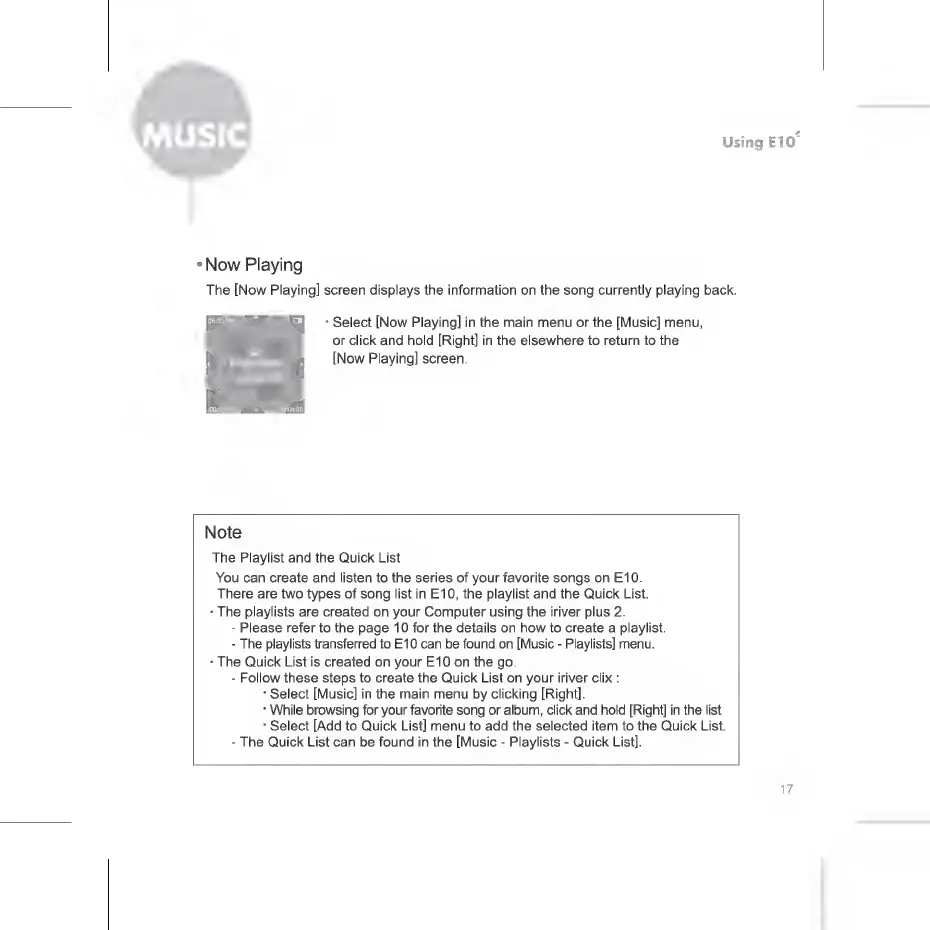
The
[Now
Playing]
screen
displays
the
information
on
the
song
currently
playing
back.
*
Select
[Now
Playing]
in
the
main
menu
or
the
[Music]
menu,
or
click
and
hold
[Right]
in
the
elsewhere
to
return
to
the
[Now
Playing]
screen.
Note
The
Playlist
and
the
Quick
List
You
can
create
and
listen
to
the
series
of
your
favorite
songs
on
E10.
There
are
two
types
of
song
list
in
E10,
the
playlist
and
the
Quick
List.
.
The
playlists
are
created
on
your
Computer
using
the
iriver
plus
2.
-
Please
refer
to
the
page
10
for
the
details
on
how
to
create
a
playlist.
-
The
playlists
transferred
to
E10
can
be
found
on
[Music
-
Playlists]
menu.
+
The
Quick
List
is
created
on
your
E10
on
the
go.
-
Follow
these
steps
to
create
the
Quick
List
on
your
iriver
clix
:
*
Select
[Music]
in
the
main
menu
by
clicking
[Right].
*
While
browsing
for
your
favorite
song
or
album,
click
and
hold
[Right]
in
the
list.
*
Select
[Add
to
Quick
List]
menu
to
add
the
selected
item
to
the
Quick
List.
-
The
Quick
List
can
be
found
in
the
[Music
-
Playlists
-
Quick
List].

Related product manuals