EasyManua.ls Logo

IRiver E10 - Page 24

IRiver E10
38 pages
Print Icon
To Next Page IconTo Next Page
To Previous Page IconTo Previous Page
Loading...
Extras
|
Recording
*?^(
*
Basic
Features
Select
[Extras
-
Recordings]
in
the
main
menu.
Click
[Right]
to
begin
recording,
and
click
it
once
more
to
stop.
Advanced
Features
Click
and
hold
[Right]
to
open
following
sub
menu
:
*
Saved
Recordings
:
Plays
the
saved
recording.
-
Scroll
[Up]
or
[Down]
to
select
a
file,
and
click
[Right]
to
play
it.
-
Click
and
hold
[Right]
in
the
list
to
delete
it.
*
Voice
Recording
Qualing
:
Selects
the
quality
of
voice
recording.
*
Voice
Detector
:
Enables
E10
to
record
voice
only
when
a
sound
is
heard.
Note
*
The
recording
stops
automatically
if
not
enough
memory
nor
battery
is
remaining.
*
You
cannot
adjust
the
volume
during
recording.
+
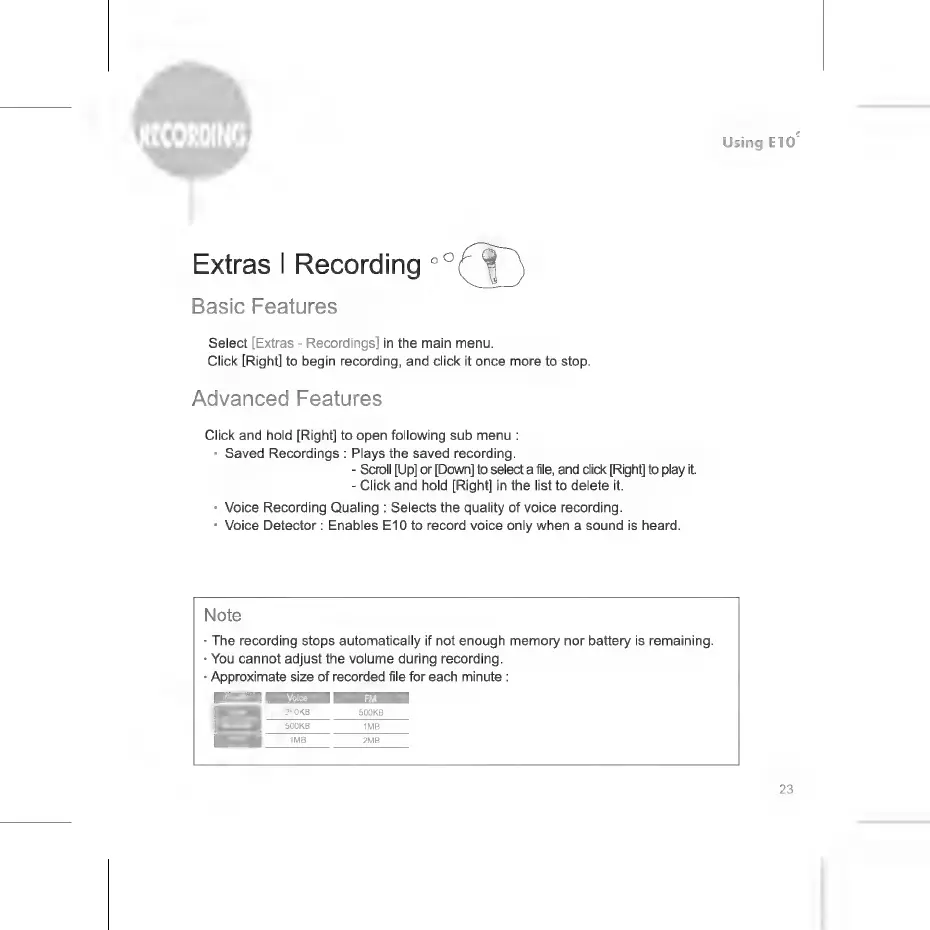
Approximate
size
of
recorded
file
for
each
minute
:
KB
500KB
500KB
1MB
1MB
2MB
23

Related product manuals