EasyManua.ls Logo

IRiver E10 - Page 30

IRiver E10
38 pages
Print Icon
To Next Page IconTo Next Page
To Previous Page IconTo Previous Page
Loading...
N
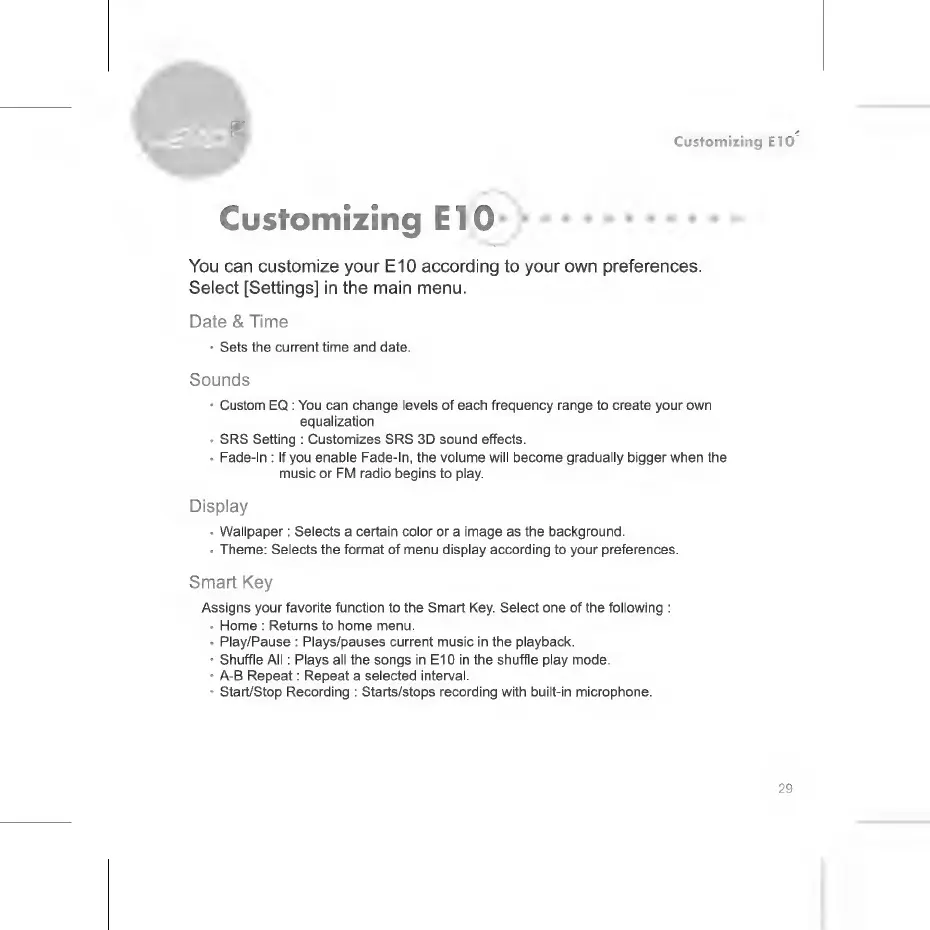
Customizing
E10
You
can
customize
your
E10
according
to
your
own
preferences.
Select
[Settings]
in
the
main
menu.
Date
&
Time
*
Sets
the
current
time
and
date.
Sounds
*
Custom
EQ
:
You
can
change
levels
of
each
frequency
range
to
create
your
own
equalization
+
SRS
Setting
:
Customizes
SRS
3D
sound
effects.
.
Fade-In
:
If
you
enable
Fade-In,
the
volume
will
become
gradually
bigger
when
the
music
or
FM
radio
begins
to
play.
Display
-
Wallpaper
:
Selects
a
certain
color
or
a
image
as
the
background.
*
Theme:
Selects
the
format
of
menu
display
according
to
your
preferences.
Smart
Key
Assigns
your
favorite
function
to
the
Smart
Key.
Select
one
of
the
following
:
.
Home
:
Returns
to
home
menu.
-
Play/Pause
:
Plays/pauses
current
music
in
the
playback.
Shuffle
All
:
Plays
all
the
songs
in
E10
in
the
shuffle
play
mode.
*
А-В
Repeat
:
Repeat
a
selected
interval.
*
Start/Stop
Recording
:
Starts/stops
recording
with
built-in
microphone.
29

Related product manuals