EasyManua.ls Logo

IRiver SlimX iMP-350 - User Manual

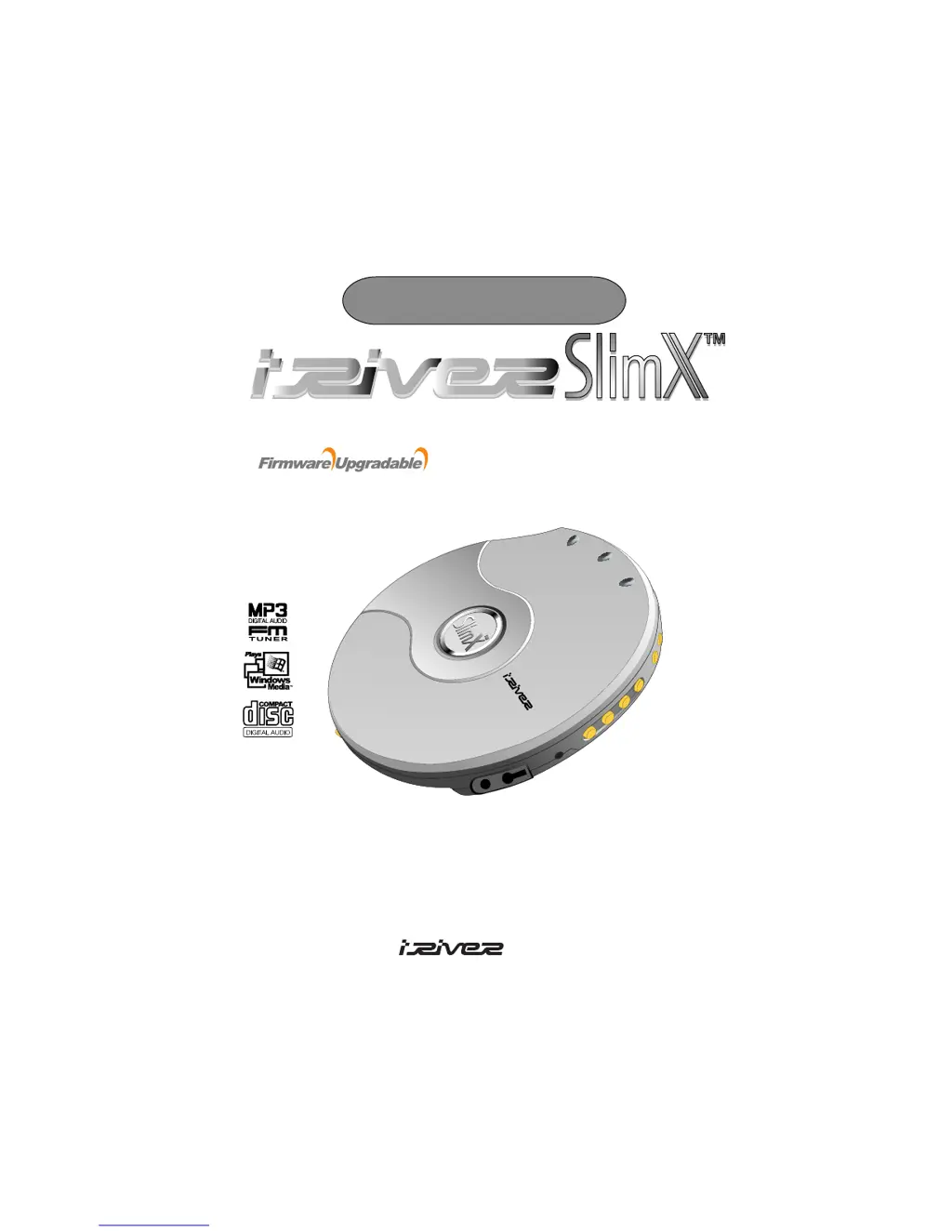
IRiver SlimX iMP-350
44 pages
Print Icon
To Next Page IconTo Next Page
Loading...
Model iMP-350
MULTI - CODEC CD PLAYER / FM TUNER
Thank you for purchasing the product.
Please read manual carefully before use.
www.iRiver.com
User Manual
Limited

Questions and Answers

Summary

Introducing iRiver Website

Unique Features of iRiver SlimX

Locating Player Controls

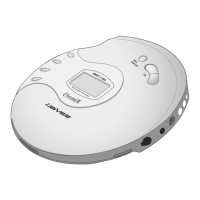
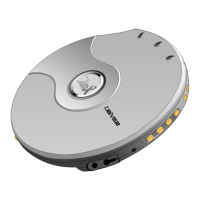
Player Front and Rear Views

Diagrams and labels identifying the front and rear components of the iRiver SlimX player.

Locating Remote Controls

Remote Control and LCD Window

Identification of controls and the display window on the iRiver SlimX remote control.

Playing Disc Media Setup

Disc Insertion and Player Preparation

Steps for inserting a disc and preparing the player for playback.

Disc Media Playback Operations

Playback Controls and Functions

Detailed explanation of playback, stop, track, and folder navigation functions.

Playing FM Tuner

FM Frequency and Scan Operations

How to tune frequencies, use auto scan, and manage preset channels.

FM Channel Memory Management

Saving and Deleting FM Channels

Procedures for storing and removing FM radio station presets.

Operating Remote Control

Basic Remote Functions

Overview of play, pause, stop, and power operations using the remote.

Remote Control Navigation and Modes

Menu and Navigation Operations

Using the remote for menu access and track navigation.

Navigation Functionality

Folder and Track Navigation

How to navigate through folders and select specific tracks.

Playback Modes

Repeat and Shuffle Modes

Details on using Repeat and Shuffle playback options.

Intro Mode

Using the Intro and Intro Highlight features for track preview.

Program Mode Setup

Program and Playlist Selection

How to select or create program/playlist files for custom playback order.

Program Mode Operations

Program Playback and Cancellation

How to play, cancel, and set interval repeats in program mode.

Advanced Playback Modes

Track Skipping with +;- 10

Using the jog lever to skip tracks in increments of 10.

EQ Mode Selection

How to select and adjust equalizer settings.

Function Controls Overview

Configuration Menu Structure

Overview of the configuration menu categories and their submenus.

General Function Settings

Beep, Resume, and Fade Settings

Configuring beep sounds, resume function, and sound fade in.

Language and Anti-Shock Settings

Setting display language and CD anti-shock protection.

Load Default Value

How to reset player settings to factory defaults.

Display Function Settings

Backlight and LCD Contrast

Adjusting backlight duration and LCD contrast.

Visualization and Tag Information

Configuring audio visualization and ID3 tag display.

Time Display Options

Choosing between displaying elapsed or remaining track time.

Timer and Control Settings

Sleep and Stop Power Off Timers

Setting automatic power-off timers for sleep and stop modes.

Fast Scan and Skip Controls

Configuring FF/RW scan speeds and skip functions.

Playback Control Settings

Scan Speed and Auto Pause

Adjusting scan speed and enabling auto-pause between tracks.

Adapter Volume and Sound Balance

Setting adapter volume and adjusting left/right sound balance.

Playback Mode Controls

Repeat, Shuffle, and Intro Modes

Detailed settings for repeat, shuffle, and intro playback modes.

Study and Bookmark Functions

Study Mode for Visually Impaired

Using beep sounds for button feedback in Study Mode.

Bookmark Management

Adding, deleting, and navigating bookmarks within Study Mode.

Naming Functionality

Inputting User Name

How to input a user name or text up to 12 bytes.

User EQ Settings

Bass Boost and Corner Frequency

Adjusting bass boost level and corner frequencies.

Treble Boost and Corner Frequency

Adjusting treble boost level and corner frequencies.

WinAmp Playlist Support

Building WinAmp Playlists

Steps to build and save playlists using WinAmp.

Using WinAmp Playlists

Playing and Reserving Playlist Tracks

How to play playlists and reserve upcoming songs.

Power Supply: AC Adapter

Using the AC Power Adapter

Instructions for connecting and using the AC power adapter.

Power Supply: Battery Options

Rechargeable and External Batteries

Information on using rechargeable batteries and external battery packs.

Rechargeable Battery Management

Recharging Process and Usage

Detailed steps for charging and discharging rechargeable batteries.

Troubleshooting: Power and Disc Issues

No Power and No Disc Errors

Solutions for power-on issues and 'No DISC' display errors.

Troubleshooting: Sound and Noise Issues

No Sound or Noise Resolution

Resolving problems related to sound output and audio noise.

Troubleshooting: Connectivity and FM

Adapter and Remote Control Problems

Troubleshooting issues with the AC adapter and remote control.

FM Reception and Recharging Issues

Solutions for poor FM reception and recharging failures.

Disc Handling Precautions

Disc Handling and Cleaning

Guidelines for handling, cleaning, and labeling discs.

Safety Precautions for Use

Safety warnings regarding liquids, objects, and power adapters.

Player and Headphone Precautions

Player Care and Environmental Factors

Advice on keeping the player clean and avoiding adverse environments.

Headphone Safety and Usage

Guidelines for safe headphone use, hearing protection, and user consideration.

Important Notes and Tips

Playback Behavior and File Recognition

Notes on playback issues with damaged CDs and file recognition.

Battery Life and Display Indicators

Information on battery lifetime and the battery indicator.

Included Accessories

List of Included Accessories

Details on the accessories provided with the iRiver SlimX player.

Product Specifications

Audio and CD Support Specifications

Technical details on audio performance and CD compatibility.

File Support and Power Specifications

Information on supported file types, bit rates, and power requirements.

Regulatory Information

FCC Compliance Statement

Information regarding Federal Communications Commission (FCC) compliance.

CE Mark Information

Explanation of the CE mark for products sold in the European Union.

Safety Warnings

Laser Product and Electrical Safety

Warnings related to laser exposure and electrical shock hazards.

Battery Disposal and Hearing Safety

Advice on battery disposal and risks of listening at high volumes.

IRiver SlimX iMP-350 Specifications

General IconGeneral
TypePortable CD Player
Signal-to-Noise Ratio90 dB
Frequency Response20Hz - 20kHz
Playback FormatsCD
Power2 x AA batteries or AC adapter
ESPAnti-Shock Protection
Additional FeaturesRemote control, LCD display
Audio Output3.5mm headphone jack

Related product manuals