EasyManua.ls Logo

IRiver T6 - Page 19

IRiver T6
41 pages
Print Icon
To Next Page IconTo Next Page
To Previous Page IconTo Previous Page
Loading...
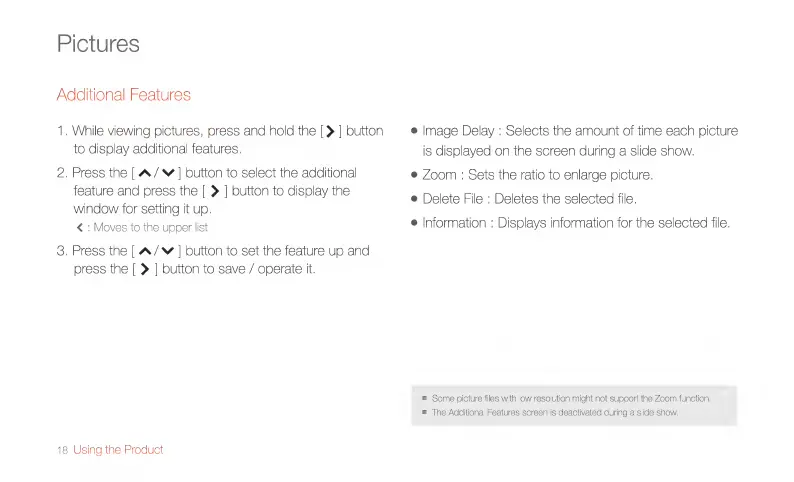
Pictures
Additional
Features
1.
While
viewing
pictures,
press
and
hold
the
[>
|
button
to
display
additional
features.
2.
Press
the
|
A/*
|
button
to
select
the
additional
feature
and
press
the
[|
>
|
button
to
display
the
window
for
setting
it
up.
<
:
Moves
to
the
upper
list
3.
Press
the
|
A/~
|
button
to
set
the
feature
up
and
press
the
|
>
|
button
to
save
/
operate
it.
18
Using
the
Product
e
İmage
Delay
:
Selects
the
amount
of
time
each
picture
is
displayed
on
the
screen
during
a
slide
show.
e
Zoom
:
Sets
the
ratio
to
enlarge
picture.
e
Delete
File
:
Deletes
the
selected
file.
e
Information
:
Displays
information
for
the
selected
file.
=
Some
picture
files
with
low
resolution
might
not
support
the
Zoom
function.
=
The
Additional
Features
screen
is
deactivated
during
a
slide
show.

Related product manuals