EasyManua.ls Logo

IRiver T6 - Browsing Device; Deleting File

IRiver T6
41 pages
Print Icon
To Next Page IconTo Next Page
To Previous Page IconTo Previous Page
Loading...
Fi
le
Browser
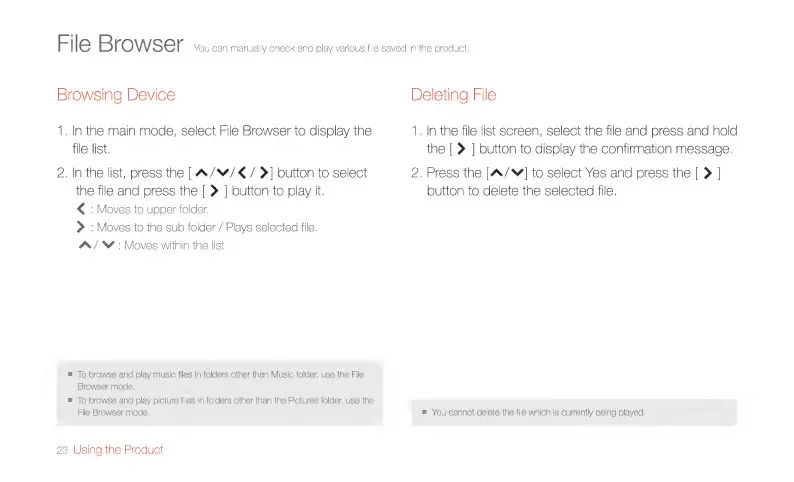
You
can
manually
check
and
play
various
file
saved
in
the
product.
Browsing
Device
Deleting
File
1.
In
the
main
mode,
select
File
Browser
to
display
the
1.
In
the
file
list
screen,
select
the
file
and
press
and
hold
file
list.
the
[
|
button
to
display
the
confirmation
message.
2.
In
the
list,
press
the
[A/W/€/
>]
button
to
select
2.
Press
the
[A/]
to
select
Yes
and
press
the
[
>
|
the
file
and
press
the
[
>
|
button
to
play
it.
button
to
delete
the
selected
file.
<
:
Moves
to
upper
folder.
>
:
Moves
to
the
sub
folder
/
Plays
selected
file.
A/N
:
Moves
within
the
list
m
To
browse
and
play
music
files
in
folders
other
than
Music
folder,
use
the
File
Browser
mode.
[o
browse
and
play
picture
files
in
folders
other
than
the
Pictures
folder,
use
the
File
Browser
mode.
m
You
cannot
delete
the
file
which
is
currently
being
played.
23
Using
the
Product

Related product manuals