EasyManua.ls Logo

IRiver T6 - Page 23

IRiver T6
41 pages
Print Icon
To Next Page IconTo Next Page
To Previous Page IconTo Previous Page
Loading...
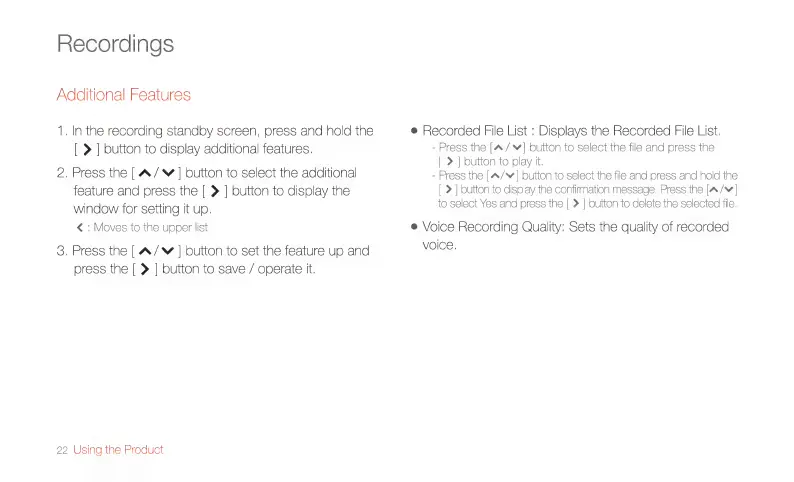
Recordings
Additional
Features
1.
In
the
recording
standby
screen,
press
and
hold
the
|
>
|
button
to
display
additional
features.
2.
Press
the
|
A/
©
|
button
to
select
the
additional
feature
and
press
the
[
>
|
button
to
display
the
window
for
setting
it
up.
<
:
Moves
to
the
upper
list
3.
Press
the
|
A/~
|
button
to
set
the
feature
up
and
press
the
|
>
|
button
to
save
/
operate
it.
22
Using
the
Product
e
Recorded
File
List
:
Displays
the
Recorded
File
List.
-
Press
the
[A
/
v|
button
to
select
the
file
and
press
the
>
|
button
to
play
it.
-
Press
the
(A/v|
button
to
select
the
file
and
press
and
hold
the
>
|
button
to
display
the
confirmation
message.
Press
the
[A/¥
]
o
select
Yes
and
press
the
|
>
|
button
to
delete
the
selected
file.
e
Vol
ce
Recording
Quality:
Sets
the
quality
of
recorded
VOİCE,

Related product manuals