EasyManua.ls Logo

IRiver T6 - Page 27

IRiver T6
41 pages
Print Icon
To Next Page IconTo Next Page
To Previous Page IconTo Previous Page
Loading...
setting
up
the
16
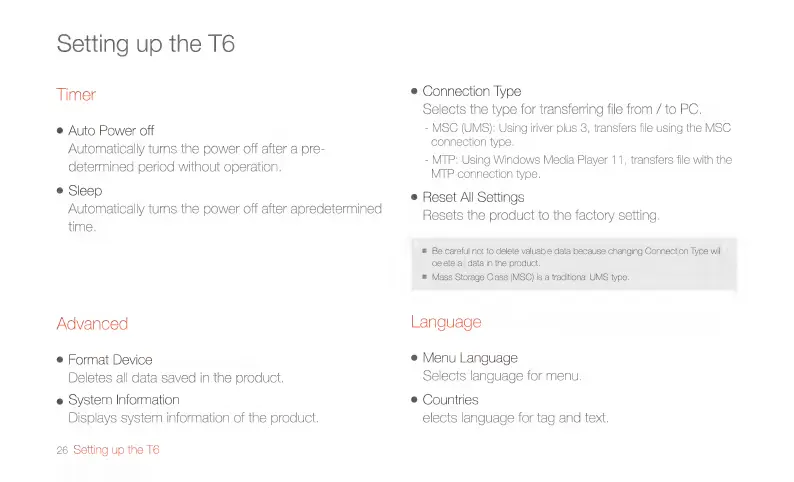
Timer
e
Auto
Power
off
Automatically
turns
the
power
off
after
a
pre-
determined
period
without
operation.
e
Sleep
Automatically
turns
the
power
off
after
apredetermined
time.
Advanced
e
Format
Device
Deletes
all
data
saved
in
the
product.
e
System
Information
Displays
system
information
of
the
product.
26
Setting
up
the
T6
e
Connection
Type
Selects
the
type
for
transferring
file
from
/
to
PC.
SC
(UMS):
Using
iriver
plus
3,
transfers
file
using
the
MSC
connection
type.
-
MTP:
Using
Windows
Media
Player
11,
transfers
file
with
the
MTP
connection
type.
e
Reset
All
Settings
Resets
the
product
to
the
factory
setting.
=
Be
careful
not
to
delete
valuable
data
because
changing
Connection
Type
will
delete
all
data
in
the
product.
=
Mass
Storage
Class
(MSC)
is
a
traditional
UMS
type.
Language
e
Menu
Language
Selects
language
for
menu.
e
Countries
elects
language
for
tag
and
text.

Related product manuals