EasyManua.ls Logo

IRiver T6 - Page 32

IRiver T6
41 pages
Print Icon
To Next Page IconTo Next Page
To Previous Page IconTo Previous Page
Loading...
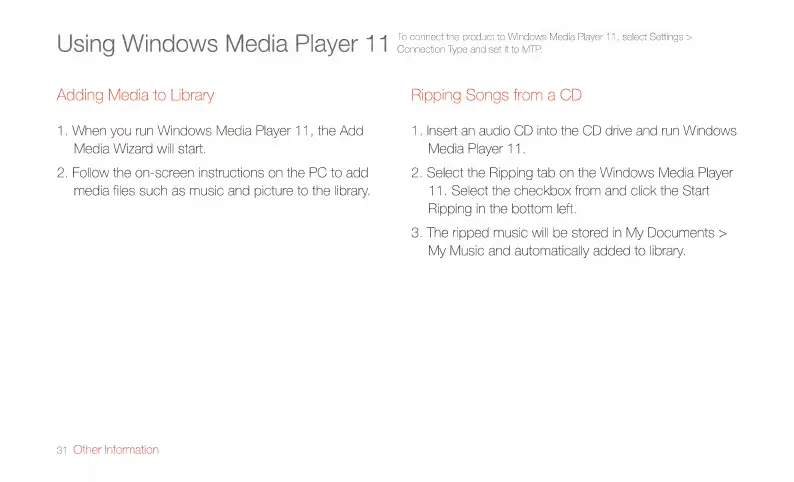
Using
Windows
Media
Player
1 1
To
connect
the
product
to
Windows
Media
Player
11,
select
Settings
>
Connection
Type
and
set
it
to
MTP.
Adding
Media
to
Library
Ripping
Songs
from
a
CD
1.
When
you
run
Windows
Media
Player
11,
the
Add
1.
Insert
an
audio
CD
into
the
CD
drive
and
run
Windows
Media
Wizard
will
start.
Media
Player
11.
2.
Follow
the
on-screen
instructions
on
the
PC
to
add
2.
Select
the
Ripping
tab
on
the
Windows
Media
Player
media
files
such
as
music
and
picture
to
the
library.
11.
Select
the
checkbox
from
and
click
the
Start
Ripping
in
the
bottom
left.
3.
The
ripped
music
will
be
stored
in
My
Documents
>
My
Music
and
automatically
added
to
library.
31
Other
Information

Related product manuals