Operation
14
Connect with your cell phone
After the recorder is turned on, the system will launch a wifi signal,
such as IRO_xxxxxxxxx, in the system select this wifi on your smart phone,
enter the initial password: 12345678, you can build a wifi connection with
the machine.
Note that some Android phones automatically detect whether WiFi is connected
to the Internet when connecting to a WiFi. Because the WiFi of the dashcam is
not connected to the Internet, the phone may indicate that WiFi is not available.
Please ignore this prompt and keep the connection.
Install APP
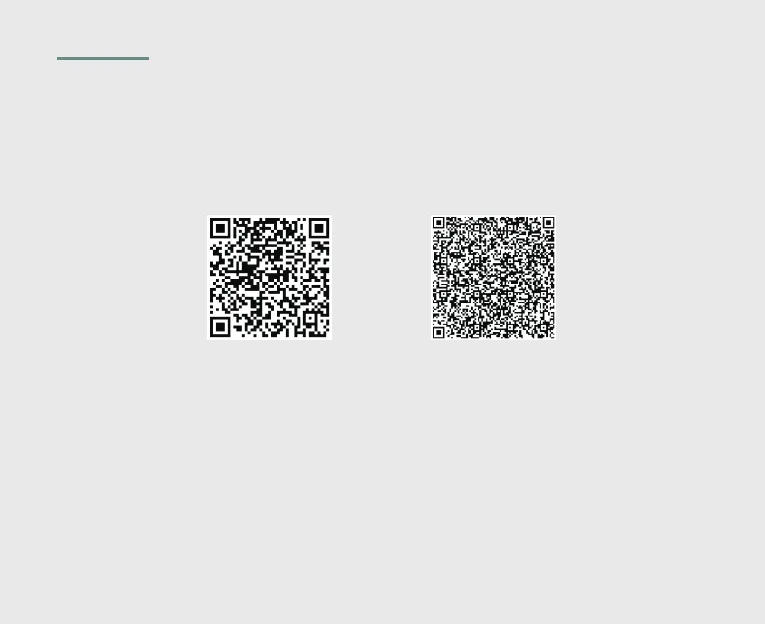
Scan the QR code with your mobile phone to install the APP.
Or in the Apple store search: Lerccenker or Luckycam.
Search in Google play: Lerccenker or Luckycam.
iOS version
Android version


 To Next Page