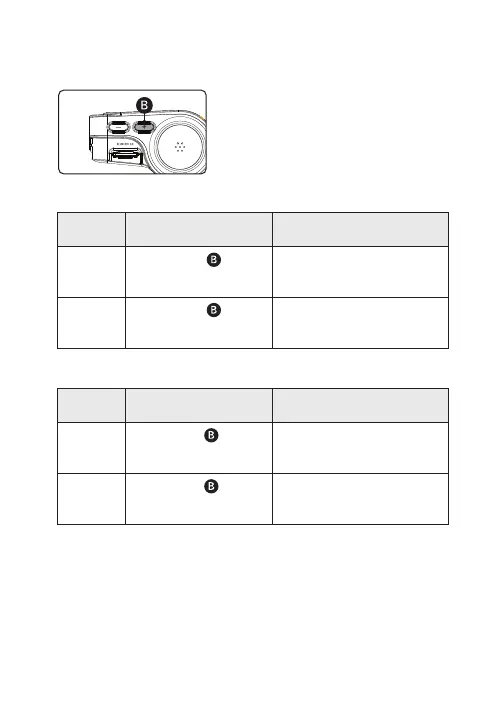
AUDIO RECORDING OFF / ON
MODE
OPERATION
EXPLANATION
AUDIO
RECORDING OFF
“Voice recording is OFF.” will be signaled,
then videos will be recorded without audio.
OPERATION
Press the button ( )
for 4 seconds long.
“Ding-Dong” sound will signal.
AUDIO
RECORDING ON
“Voice recording is ON.” will be signaled,
then videos will be recorded with audio.
Press the button ( )
for 4 seconds long.
“Ding-Dong” sound will signal.
BUTTON SCENARIO GUIDE
8
Wi-Fi STAND BY MODE OFF / ON
MODE
OPERATION
EXPLANATION
Wi-Fi STAND BY
MODE OFF
“Stand-by mode for registration is deactivated.”
will be signaled,
and Wi-Fi connection cannot be initiated.
OPERATION
Press the button ( )
shortly.
“Ding-Dong” sound will signal.
Wi-Fi STAND BY
MODE ON
“Stand-by mode for registration.”
will be signaled,
and Wi-Fi connection can be initiated.
Press the button ( )
shortly.
“Ding-Dong” sound will signal.



 To Next Page